1
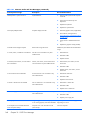
System board
Description
Spare part number
System board for use in models without the Windows 8 operating system
737339-001
System board for use in models with Windows 8 Standard
737339-501
System board for use in models with Windows 8 Professional
737339-601
System board for use in models with NetClone
757991-501
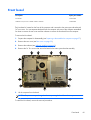
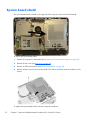
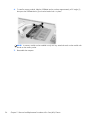
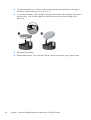
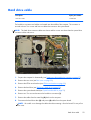
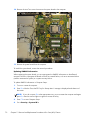
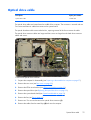
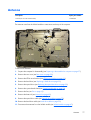
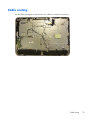
The system board is located on the right side of the computer (viewed from the rear). It is secured with
eight Torx screws.
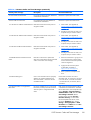
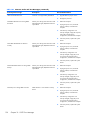
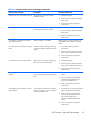
To remove the system board:
1.
Prepare the computer for disassembly (see Preparing to disassemble the computer on page 27).
2.
Remove the rear cover (see Rear cover on page 29).
3.
Remove the VESA mount bracket (see VESA mount bracket on page 32).
4.
Remove the system board shield (see System board shield on page 52).
5.
Remove the heat sink (see Heat sink on page 63).
6.
Remove the memory modules (see Memory on page 53).
7.
Remove the processor (see Processor on page 65).
8.
Remove the WLAN module (see WLAN module on page 67).
9.
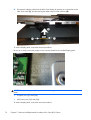
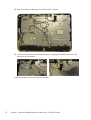
Disconnect all cables from the system board, noting their location for reinstallation.
System board
69