1
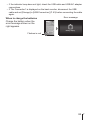
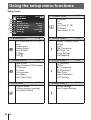
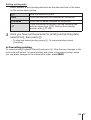
For the operation method, refer to (P. 47).
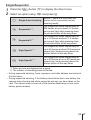
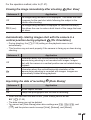
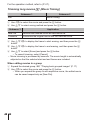
Playing back images on a TV d [TV Out]
The TV video signal system varies depending on the countries and regions.
Before viewing camera images on your TV, select the video output according
to your TV’s video signal type.
Submenu 2
Submenu 3
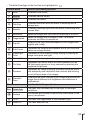
NTSC
PAL
Connecting the camera to a TV in European
countries, China, and so on.
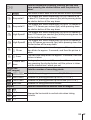
480p/576p
720p
1080i
1080p
Set the signal format to be given priority. If
the TV setting does not match, it is changed
automatically.
NTSC/PAL
HDMI Out
HDMI Control
Application
Connecting the camera to a TV in North America,
Taiwan, Korea, Japan, and so on.
Off
Operate with the camera.
On
Operate with the TV remote control.
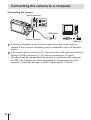
• For the connection method, refer to “Viewing camera images on TV” (P. 72).
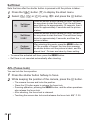
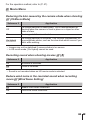
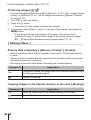
Changing the display language d [l]
Submenu 2
Languages
Application
The language for the menus and error messages displayed on
the monitor is selected.
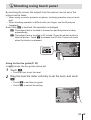
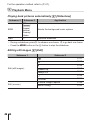
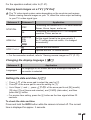
Setting the date and time d [X]
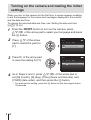
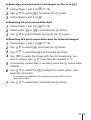
1 Press FG of the arrow pad to select the year for [Y].
2 Press I of the arrow pad to save the setting for [Y].
3 As in Steps 1 and 2, press FGHI of the arrow pad to set [M] (month),
[D] (day), [Time] (hours and minutes), and [Y/M/D] (date order), and then
press the A button.
• For precise time setting, press the A button as the time signal strikes 00
seconds.
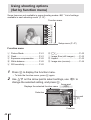
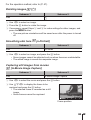
To check the date and time
Press and hold the INFO button while the camera is turned off. The current
time is displayed for approx. 3 seconds.
EN 65