1
34
USER SETTINGS
ENGLISH
Sound Settings
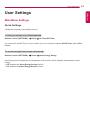
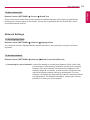
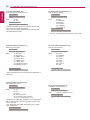
To select a Sound Mode
Remote Control (SETTINGS)
Sound
Sound Mode
The best sound quality will be selected automatically depending on the video type currently being
watched.
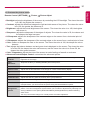
••Standard: this sound mode works well for content of all types.
••News: optimizes sound for watching news.
••Music: optimizes sound for listening to music.
••Cinema: optimizes sound for watching movies.
••Sports: optimizes sound for watching sports.
••Game: optimizes sound for playing videogames.
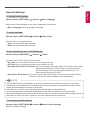
To use the Sound Effects function
Sound
Sound Effects
Remote Control (SETTINGS)
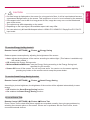
••Clear Voice ll: enjoy clearer sound with the three-level adjustment.
••Equalizer: manually adjust sound by using the equalizer. .
••Balance: adjust the output volume for the left speaker and the right speaker.
••Reset: reset the sound settings.
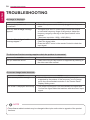
To select a Volume Increase Rate,
Remote Control (SETTINGS)
Sound
Volume Increase Rate
you can set the volume range by selecting any of Low/ Medium/ High.
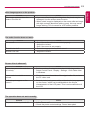
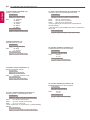
To sync audio with video
Remote Control (SETTINGS)
Sound
AV Sync. Adjust
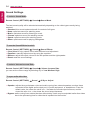
••Speaker: adjusts the sync between video and audio coming from external speakers, such as those
connected to the digital audio output port, LG audio equipment, or headphones. From the
default value, the closer the value is to -, the faster the sound output becomes, and the
closer the value is to +, the slower the sound output becomes.
••Bypass: audio coming from external devices without delay. Audio may be outputted earlier than video
due to the processing time for video that is inputted into the monitor.