1
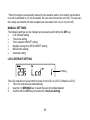
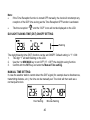
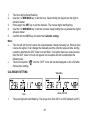
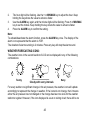
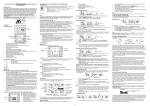
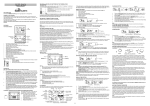
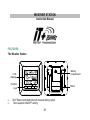
* When the signal is successfully received by the weather station, the outdoor transmission icon will be switched on. (If not successful, the icon will not be shown on LCD). The user can then easily see whether the last reception was successful (icon on) or not (icon off). MANUAL SETTINGS The following settings can be changed when pressing and holding the SET key: LCD contrast setting Time zone setting Time reception ON/OFF setting Daylight saving time (DST) ON/OFF setting Manual time setting Calendar setting LCD CONTRAST SETTING Flashing The LCD contrast can be set within 8 levels, from LCD 0 to LCD 7 (Default is LCD 3): 1. The LCD contrast level starts flashing. 2. Use the + or MIN/MAX key to select the level of contrast desired. 3. Confirm with the SET key and enter the Time Zone Setting. 38