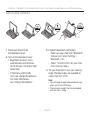
1
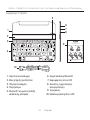
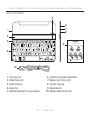
UltraThin - Magnetic clip-on keyboard cover - For iPad mini and iPad mini with Retina display
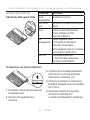
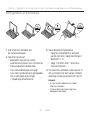
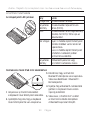
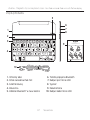
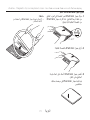
Charge the batteries
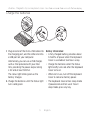
USB
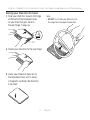
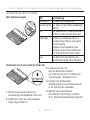
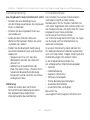
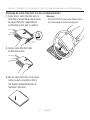
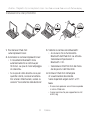
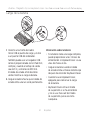
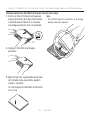
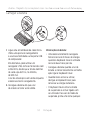
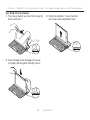
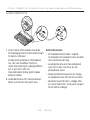
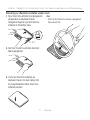
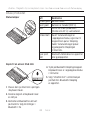
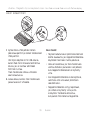
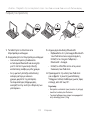
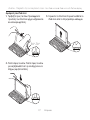
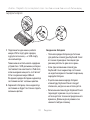
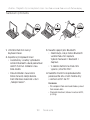
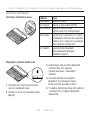
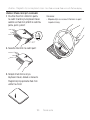
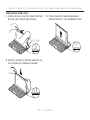
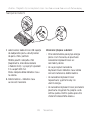
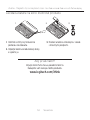
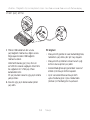
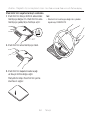
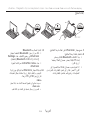
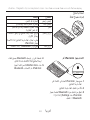
1. Plug one end of the micro-USB cable into
the charging port, and the other end into
a USB port on your computer.
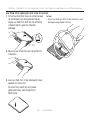
Alternatively you can use a USB charger,
such as that provided with your iPad
mini, providing the power output rating
is 5V and at least 500mA.
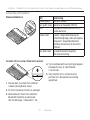
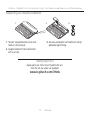
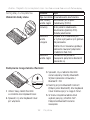
The status light blinks green as the
battery charges.
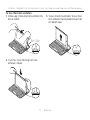
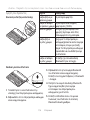
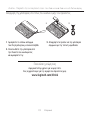
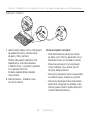
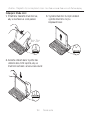
2.Charge the batteries until the Status light
turns solid green.
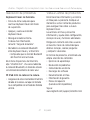
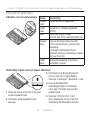
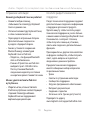
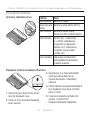
Battery information:
• A fully charged battery provides about
3 months of power when the Keyboard
Cover is used about two hours a day.
• Charge the batteries when the Status
light briefly turns red after the Keyboard
Cover turns on.
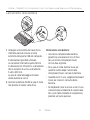
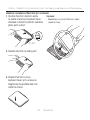
• When not in use, turn off the Keyboard
Cover to conserve battery power.
• The Keyboard Cover enters sleep mode
if powered on and not used. To exit
sleep mode, press any key.
5 English