1
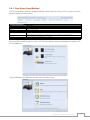
3333 File Sharing/Privilege
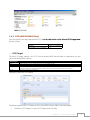
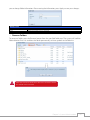
The Thecus IP storage has built-in user database that allows administrators to manage user access
using different group policies. From the File
������������������������������������������������������������
Sharing/Privilege��������������������������������������
menu, you can create, modify, and delete users, and assign them to groups that you designate.
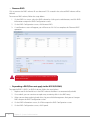
333333 ADS Support (N4520/N4560 Only)
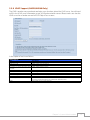
If you have a Windows Active Directory Server (ADS) to handle the domain security in your network,
you can simply enable the ADS support feature; the Thecus IP storage will connect with the ADS
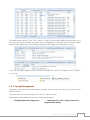
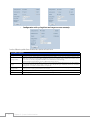
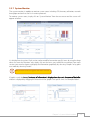
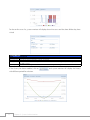
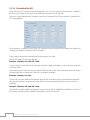
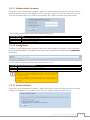
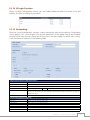
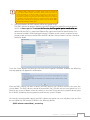
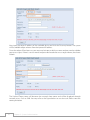
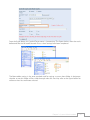
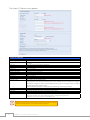
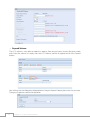
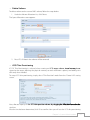
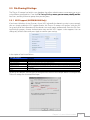
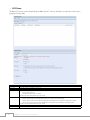
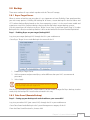
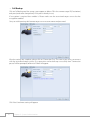
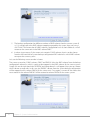
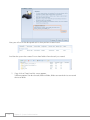
server and get all the information of the domain users and groups automatically. From the File Sharing/Privilege category, choose Authentication item and the ADS Support screen appears. You can
change any of these items and press Apply to confirm your settings.
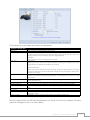
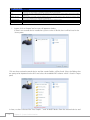
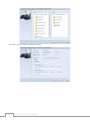
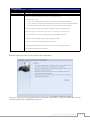
A description of each item follows:
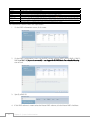
ADS/NT Support
Item
Work Group / Domain Name
ADS Support
ADS Server Name
ADS Realm
Administrator ID
Administrator Password
Apply
Description
Specifies the SMB/CIFS Work Group / ADS Domain Name (e.g. MYGROUP).
Select Disable to disable authentication through Windows Active Directory Server.
Specifies the ADS server name (e.g. adservername).
Specifies the ADS realm (e.g. example.com).
Enter the administrators ID of Windows Active Directory, which is required for Thecus IP storage to
join domain.
Enter the ADS Administrator password.
To save your settings.
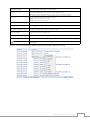
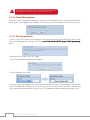
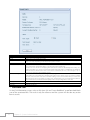
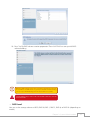
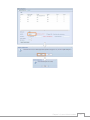
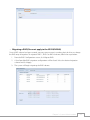
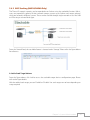
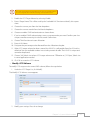
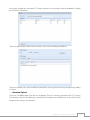
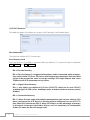
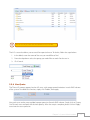
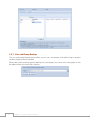
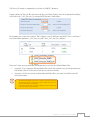
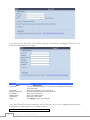
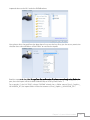
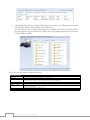
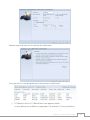
To join an AD domain, you can refer to the figure here and use the example below to configure the
Thecus IP storage for associated filed input:
Chapter 3: System Administration
61