1
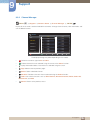
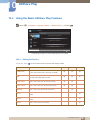
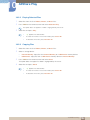
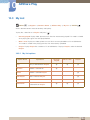
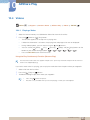
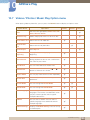
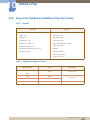
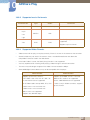
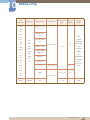
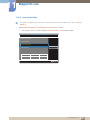
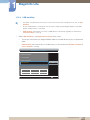
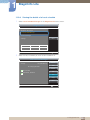
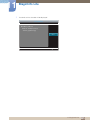
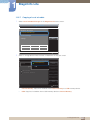
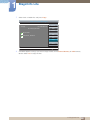
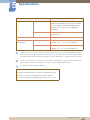
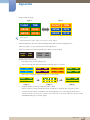
12 MagicInfo Premium S 12.1.1 Network Schedule Multiframe Playback restrictions A maximum of two video (Videos) files can be played. If PIP mode is enabled, more than one video (Videos) file cannot be played. More than one Flash files cannot be played. For Office files (PPT and Word files) and PDF files, only one file type is supported at a time. LFD(.lfd) files are not supported. Sound output restrictions More than one sound output cannot be used. Playback priority: Flash file > network BGM > local BGM > video file in the main frame selected by the user Network BGM: Settings can be configured in step 1 when creating a server schedule. Local BGM: BGM settings can be configured using the tools displayed after the TOOLS button is pressed during MagicInfo Premium S playback. User-selected main frame: Main frame settings can be configured in step 2 when creating a server schedule. 12.1.2 Template files and LFD(.lfd) files Restrictions Scenarios created in a PC authoring tool that were published to a USB device are not supported. Scenarios created in a PC authoring tool that were published along with schedule details to a USB device are not supported. Playback is only possible via USB AutoPlay. An .lfd file must exist under the MagicInfoSlide folder on the USB device. Playback restrictions A maximum of two video (Video) files can be played. If PIP mode is enabled, more than one video (Video) file cannot be played. More than one Flash files cannot be played. For Office files (PPT and Word files) and PDF files, only one file type is supported at a time. Multiple videos (Video) cannot be played on a single display of a video wall simultaneously. More than one PIP content file cannot be played. 12 MagicInfo Premium S 239