1
AXIS P7216 Video Encoder
Live View Config
-
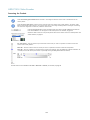
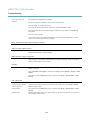
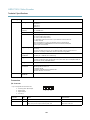
Pulse activates the output for a defined period of time. The pulse time can be set from 1/100 second to 60
seconds.
-
Active/Inactive displays two buttons, one or each action.
To configure the active and inactive states, go to System Options > Ports & Devices > I/O Ports and set the port’s Normal state.
For more information about I/O ports, see I/O Ports, on page 48.
26