1
Dell E1913S/E1913/E2213 Monitor User's Guide
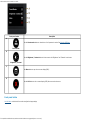
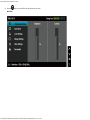
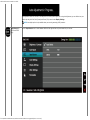
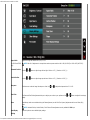
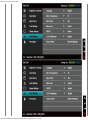
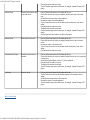
Brightness
Allows you to adjust the brightness or luminance of the backlight.
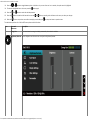
Press the
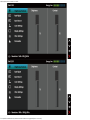
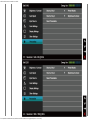
Contrast
button to increase brightness and press the
button to decrease brightness (min 0 ~ max 100).
Allows you to adjust the contrast or the degree of difference between darkness and lightness on the monitor screen. Adjust brightness first,
and adjust contrast only if you need further adjustment.
Press the
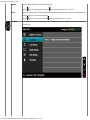
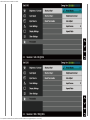
Auto Adjust
button to increase contrast and press the
button to decrease contrast (min 0 ~ max 100).
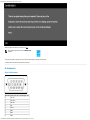
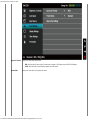
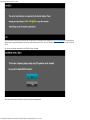
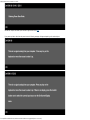
Use this button to activate automatic setup and adjust menu. The following dialog appears on a black screen as the monitor self-adjusts to
the current input:
file:///K|/Dell/E1913/Dell%20E1913(S)%20E2213%20E-DOC%20Source/en/ug/operate.htm[2012-3-19 16:22:04]