1
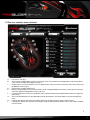
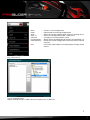
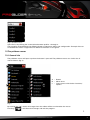
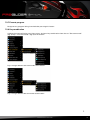
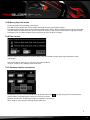
Fig. 2 (Profile menu): Open the list by clicking the arrow. Select between profiles 1 through 5. These profiles allow defining five different button assignments within one configuration. Example: You can create different button assignments for different characters in one game. 7.3 The pulldown menus 7.3.1 General info The pulldown menus will open up when the button is pressed. The pulldown menus are similar for all mouse buttons (fig. 3). A B C A – Button B – Menu items C – Flyout menus with further functions/ options Fig. 3 By clicking the “OK” button all changes from the editor will be transferred to the mouse. Pressing “ ” will discard all changes and exit the program. fireglider optical 8