1
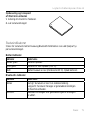
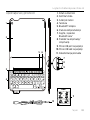
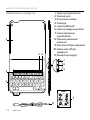
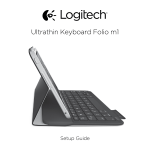
Logitech Ultrathin Keyboard Folio m1
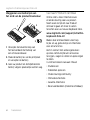
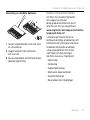
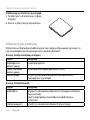
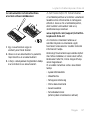
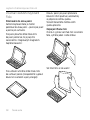
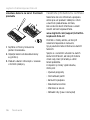
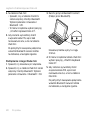
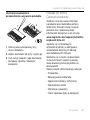
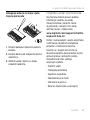
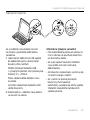
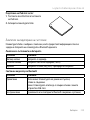
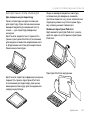
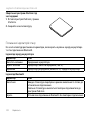
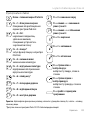
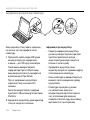
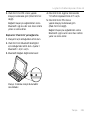
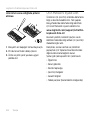
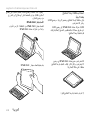
Weggooien van batterijen aan
het eind van de productlevensduur
2
1
3
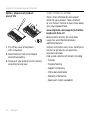
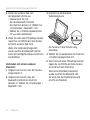
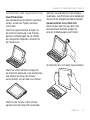
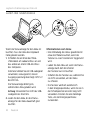
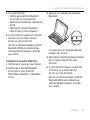
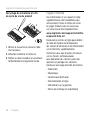
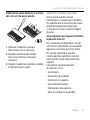
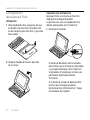
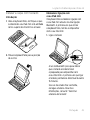
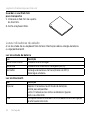
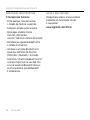
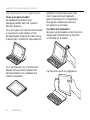
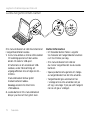
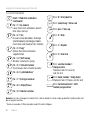
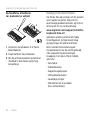
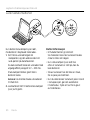
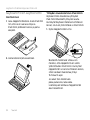
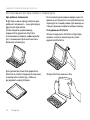
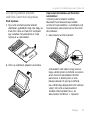
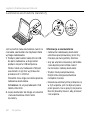
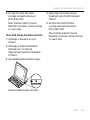
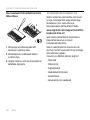
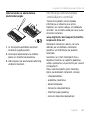
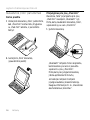
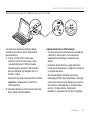
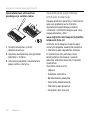
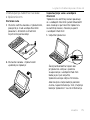
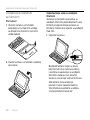
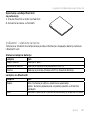
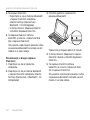
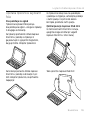
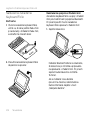
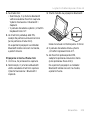
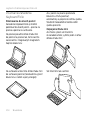
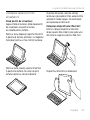
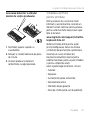
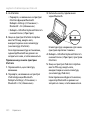
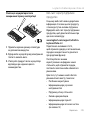
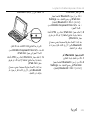
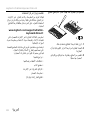
1. Verwijder de bovenste klep van
het toetsenbord met behulp van
een schroevendraaier.
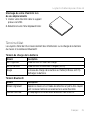
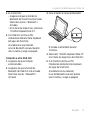
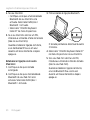
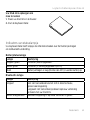
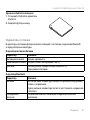
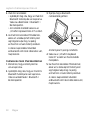
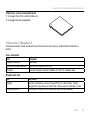
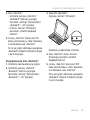
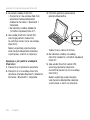
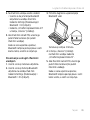
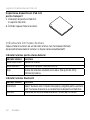
2.Maak de batterij los van de printplaat
en verwijder de batterij.
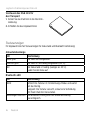
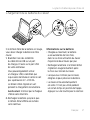
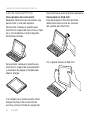
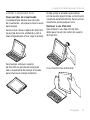
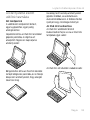
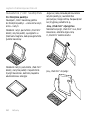
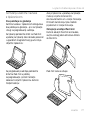
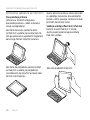
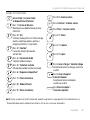
3.Gooi uw product en de bijbehorende
batterij volgens plaatselijke wetten weg.
64 Nederlands
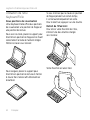
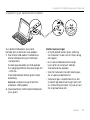
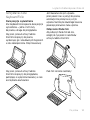
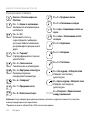
Ga naar Product centraal
Online vindt u meer informatie over
en ondersteuning voor uw product.
Neem even de tijd om naar Product
centraal te gaan om meer te weten
te komen over uw nieuwe Keyboard Folio.
www.logitech.com/support/ultrathinkeyboard-folio-m1
Blader door onlineartikelen voor hulp
bij de set-up, gebruikstips en informatie
over extra functies.
Kom in contact met andere gebruikers
op onze communityforums om advies
te krijgen, vragen te stellen en oplossingen
te delen.
U vindt een breed scala aan inhoud:
•Studielessen
•Problemen oplossen
•Ondersteuningscommunity
•Onlinedocumentatie
•Garantie-informatie
•Reserveonderdelen (indien beschikbaar)