1
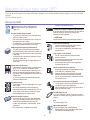
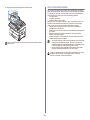
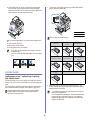
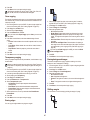
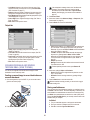
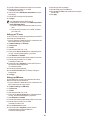
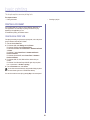
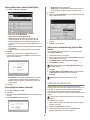
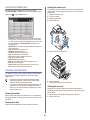
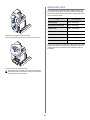
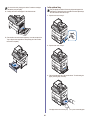
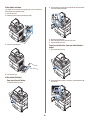
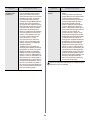
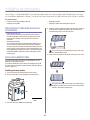
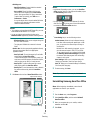
in this area, stop and go to step 4.
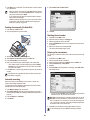
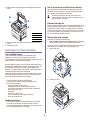
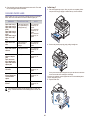
4. Pull out the optional tray 2.
5. Lift the front part of the tray slightly up to release the tray from the
machine.
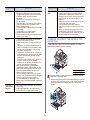
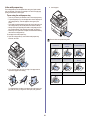
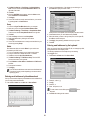
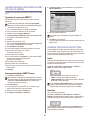
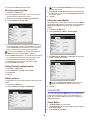
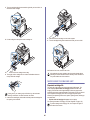
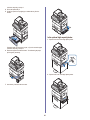
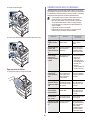
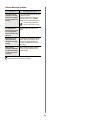
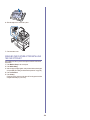
In the optional high capacity feeder
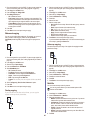
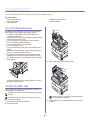
1. Open the outer cover of the high capacity feeder.
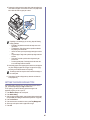
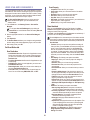
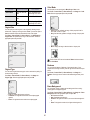
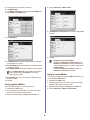
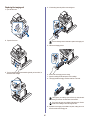
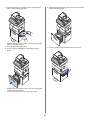
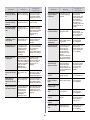
If the paper does not move when you pull, or if you do not see the paper
in this area, stop and go to step 6.
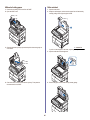
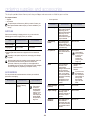
6. Remove the paper in the direction shown. To avoid tearing the paper,
pull it out gently and slowly.
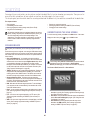
2. Open the inner cover of the high capacity feeder.
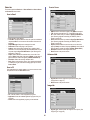
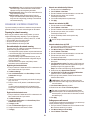
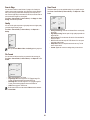
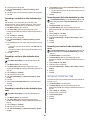
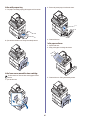
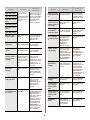
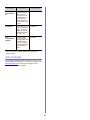
7. Insert the tray 2 and close the two covers.
93