1
4.
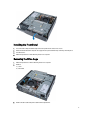
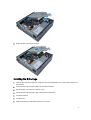
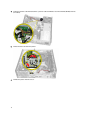
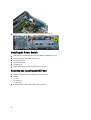
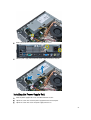
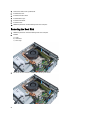
Remove the screws that secures the I/O panel to the computer.
5.
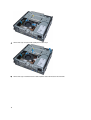
Slide the I/O panel towards the left of the computer to release it and pull the I/O panel along with its cable out of the
computer.
6.
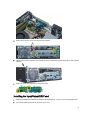
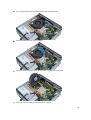
Remove the screws that secure the I/O panel to the frame.
Installing the Input/Output(I/O) Panel
1.
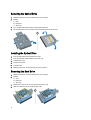
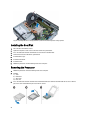
Align the Input/Output panel with the Input/Output frame and tighten the screws to secure the Input/Output panel.
2.
Insert the Input/Output panel into the slot on the chassis front.
21