1
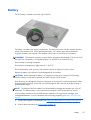
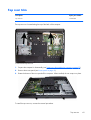
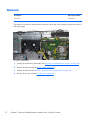
VESA mounting plate
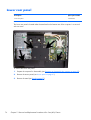
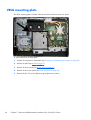
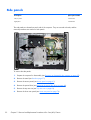
The VESA mounting plate is located under the stand and under the lower rear panel.
To remove the VESA mounting plate:
84
1.
Prepare the computer for disassembly (see Preparing to disassemble the computer on page 35).
2.
Remove the stand (see Stand on page 37).
3.
Remove the access panel (see Access panel on page 41).
4.
Remove the lower rear panel (see Lower rear panel on page 74).
5.
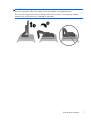
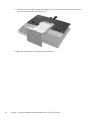
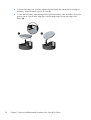
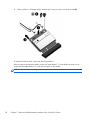
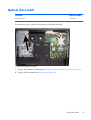
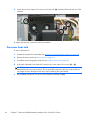
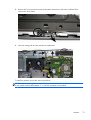
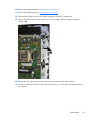
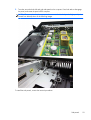
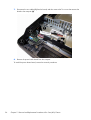
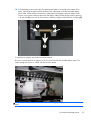
Remove the four Torx screws (1) securing the plate to the chassis.
Chapter 5 Removal and Replacement Procedures All-in One (AIO) Chassis