1
Table of Contents
1. Getting Started
5
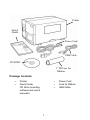
Unpacking
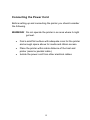
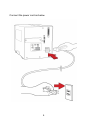
Connecting the Power Cord
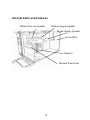
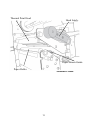
Internal Parts and Features
Loading Ribbon
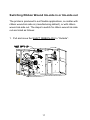
Switching Ribbon Wound Ink-side in or Ink-side out
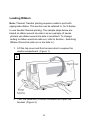
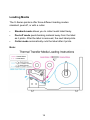
Loading Media
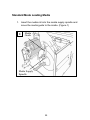
Standard Mode Loading Media
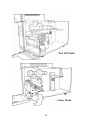
Peel Off Mode Loading Media
Cutter Mode Loading Media
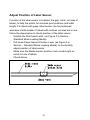
Adjust Position of Label Sensor
2. Printer Operation
5
8
10
13
17
19
20
24
28
31
32
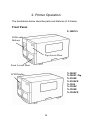
Front Panel
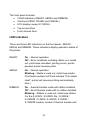
LED Indicators
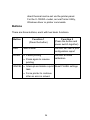
Buttons
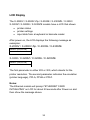
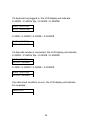
LCD Display
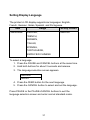
Setting Display Language
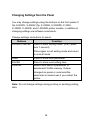
Changing Settings from the Panel
Media Calibration
Printing a Configuration Report
Resetting to Factory Default Settings
3. Computer Connections
32
33
34
35
37
38
46
47
51
52
USB Interface Requirements
Centronics Parallel Port
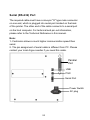
Serial (RS-232) Port
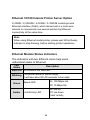
Ethernet 10/100 Internal Printer Server Option
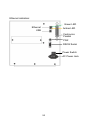
Ethernet Module Status Indicators
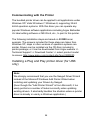
Communicating with the Printer
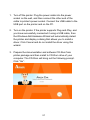
Installing a Plug and Play printer driver (for USB only)
II
52
52
53
54
54
56
56