1
66 Operating
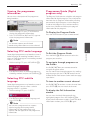
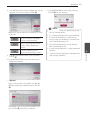
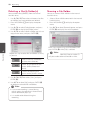
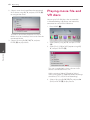
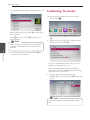
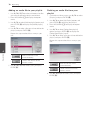
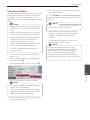
8. Use W/S to select a file or a folder you wish to
play.
Listening to music
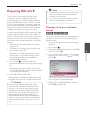
This player can play Audio CDs and music files.
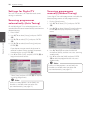
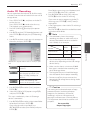
1. Press HOME (n).
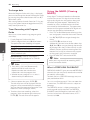
Select a folder and press ENTER (b) to display the
lower directory.
Select g and press ENTER (b) to display the
upper directory.
,,Note
When selecting music file from a server, folder
selection is not available. Only file selection is
available.
4
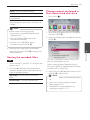
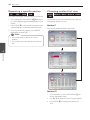
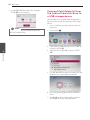
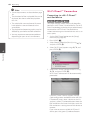
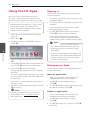
2. Select [Music] using A/D, and press ENTER
(b).
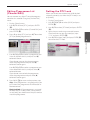
3. Select the [Disc], [USB] or [HDD] option using
W/S, and press ENTER (b).
Operating
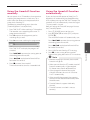
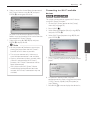
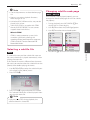
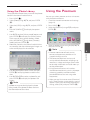
9. Use D to select [OK], and press ENTER (b) to
complete music selection.
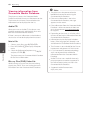
This step is needed only when a disc or a USB
device is connected on this unit.
While navigating [Movie], [Photo] or [Music]
menu, press green (G) colored button to change
the device. (DISC, USB or HDD)
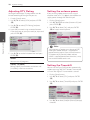
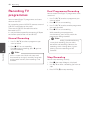
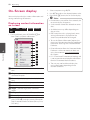
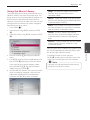
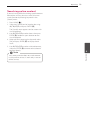
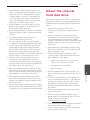
4. Select a music file or audio track using
W/S/A/D, and press ENTER (b) to play the
music.
,,Note
The file requirements are described on page
10.