1
7
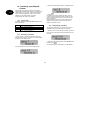
Deacitvation
8
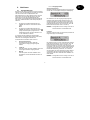
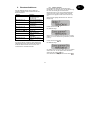
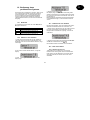
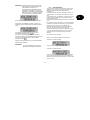
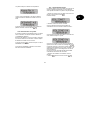
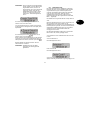
You can deactivate your alarm system at any time (even
after an alarm) by entering a valid user code. When you
enter the object through an entry/exit zone, the
programmed entry delay time starts. You now have to
enter your user code within the programmed delay time,
otherwise an alarm is triggered when the delay time
expires. Proceed as follows:
8.1
Alarm
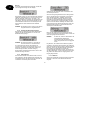
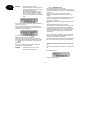
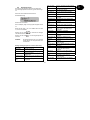
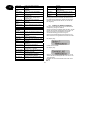
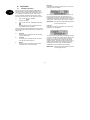
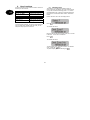
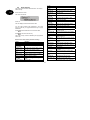
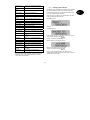
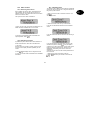
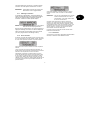
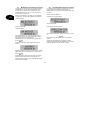
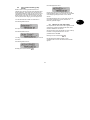
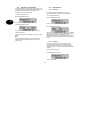
Alarm display
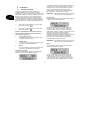
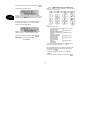
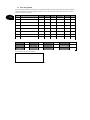
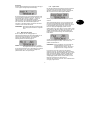
If an alarm situation occurs when the alarm system is
active, an internal, local or external alarm is triggered,
depending on the setting in the program menu. After the
alarm centre is deactivated, the zone that triggered the
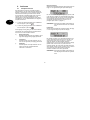
alarm is displayed. The alarm centre shown the zone via
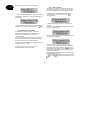
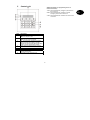
the LCD display:
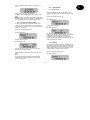
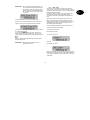
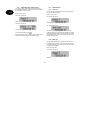
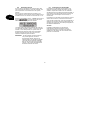
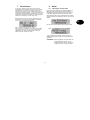
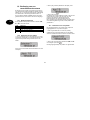
Enter the building by a door programmed as an entry/exit
door. The entry delay time starts. A fast pulsed signal tone
is sounded.
Following an alarm, the alarm system must be reset.
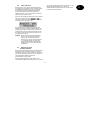
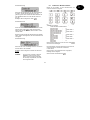
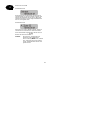
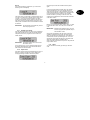
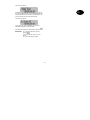
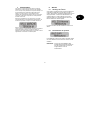
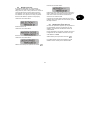
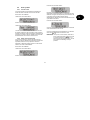
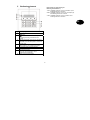
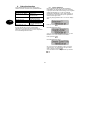
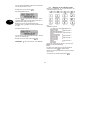
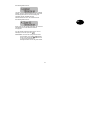
Enter a valid user code: 1 2 3 4.
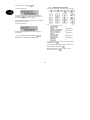
If you enter a valid code before the entry delay time
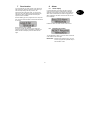
expires, the alarm system is deactivated. A double tone
follows and the LCD display shows the date and time
again.
8.2
Resetting the system
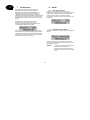
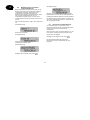
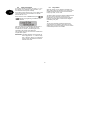
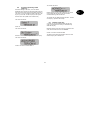
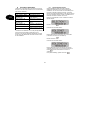
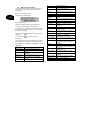
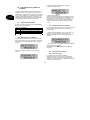
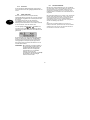
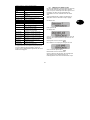
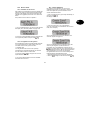
To reset following an alarm, you have to enter a valid user
code. Enter the user code again.
IMPORTANT: If defined in the program menu, you have
to enter a program code (installer code) to
reset the alarm centre.
9
UK