1
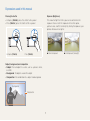
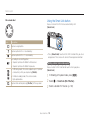
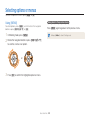
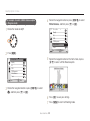
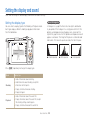
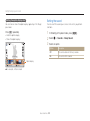
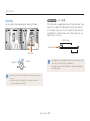
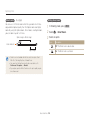
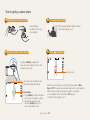
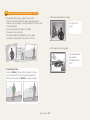
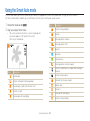
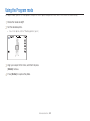
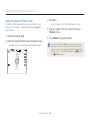
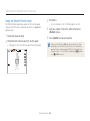
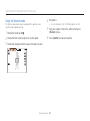
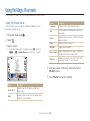
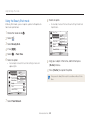
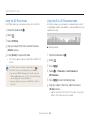
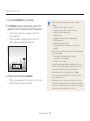
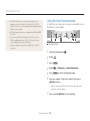
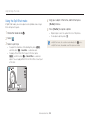
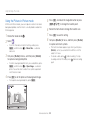
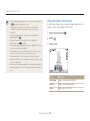
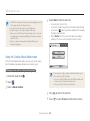
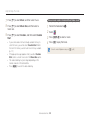
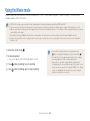
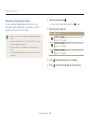
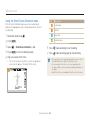
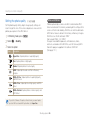
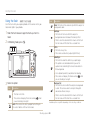
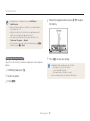
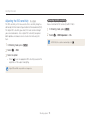
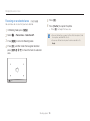
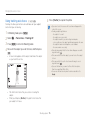
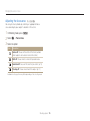
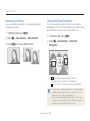
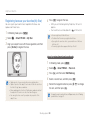
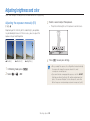
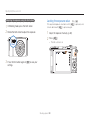
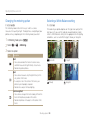
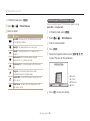
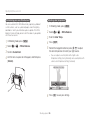
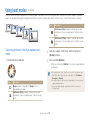
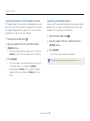
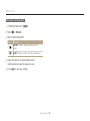
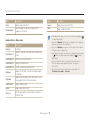
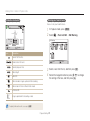
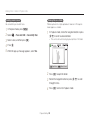
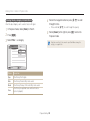
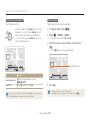
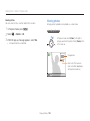
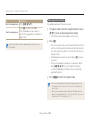
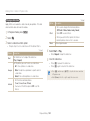
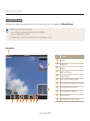
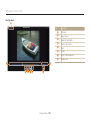
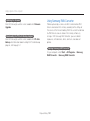
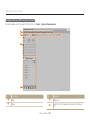
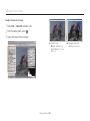
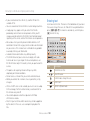
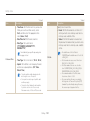
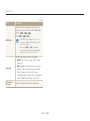
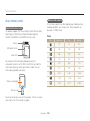
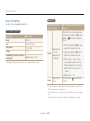
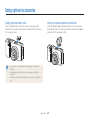
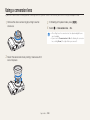
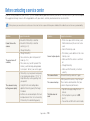
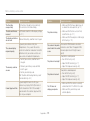
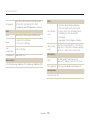
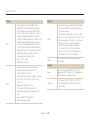
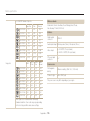
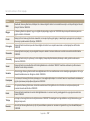
Using the Movie mode Using the Smart Scene Detection mode Icon Description In Smart Scene Detection mode, your camera automatically chooses the appropriate camera settings based on the scene it has detected. Landscapes 1 2 3 4 5 Rotate the mode dial to v. Blue skies Press [m]. Forested areas Select V Smart Scene Detection On. Sunsets 6 7 Press [m] to return to Shooting mode. Press (Video recording) to start recording. Press (Video recording) again to stop recording. Align your subject in the frame. • The camera automatically selects a scene. An appropriate scene icon will appear at the top left of the screen. • If the camera does not recognize an appropriate scene mode, it uses the default settings for the Smart Scene Detection mode. • The camera may not select the correct scene depending on the shooting conditions, such as camera shake, lighting, and distance to the subject. • Smart Filter effects are not available in Smart Scene Detection mode. Extended functions 63