1
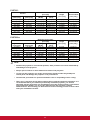
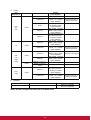
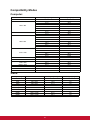
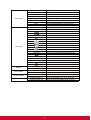
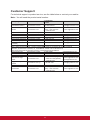
Please pay attention to the limitation of input length (including space and other
punctuation keys) in the list blow:
Category Item
Input Length
Maximum Number of
Characters
Crestron Control
IP Address
15
IP ID
2
Port
5
Projector
Projector Name
10
Location
9
Assigned To
9
Network Configuration
DHCP (Enabled)
(N/A)
IP Address
15
Subnet Mask
15
Default Gateway
15
DNS Server
15
User Password
Enabled
(N/A)
New Password
20
Confirm
2
Admin Password
Enabled
(N/A)
New Password
20
Confirm
20
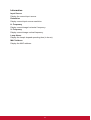
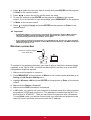
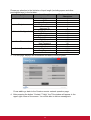
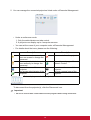
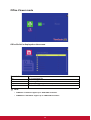
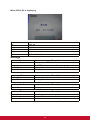
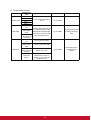
3. The info page displays the information and status of this projector.
Press exit to go back to the Crestron remote network operation page.
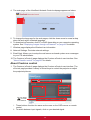
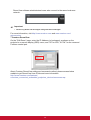
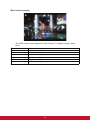
4. After pressing the button “Contact IT Help”, the Title window will appear in the
upper right corner of the screen. You will be able to deliver messages to
44