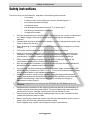
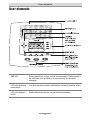
1
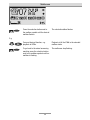
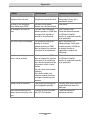
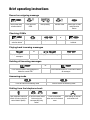
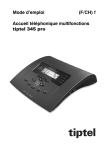
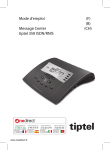
Button allocation
Button allocation
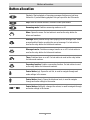
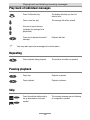
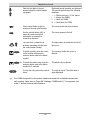
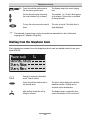
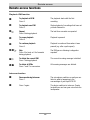
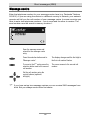
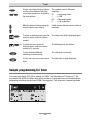
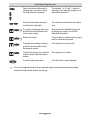
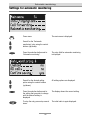
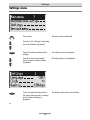
Playback: Starts playback of incoming messages that have not yet been
listened to. If pressed during playback lets you repeat the last 3 seconds.
Stop: Ends the current function; is used to close open menus.
Answering mode: Switches answering mode on or off.
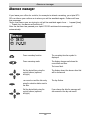
Menu: Opens the menu. For text entries is used as the entry button for
letters and numbers.
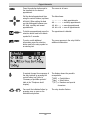
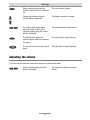
Message: When pressed briefly starts playing current message back. When
pressed and held starts recording the current message. For text entries is
used as the entry button for letters and numbers.
Message transfer: Switches message transfer on or off. For text entries is
used as the entry button for letters and numbers.
Timer: Switches timer on or off. For text entries is used as the entry button
for letters and numbers.
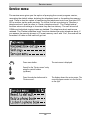
Secondary function: Enables a secondary function. For text entries is used
as the entry button for letters and numbers.
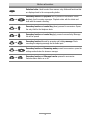
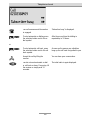
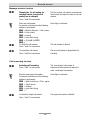
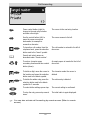
Control button (up): Opens the call list, is used to navigate through and
make settings in the menus.
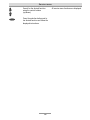
Control button (down): Opens the telephone book, is used to navigate
through and make settings in the menus.
or
Control buttons (left/right): changes the volume, is used to navigate through
and make settings in the menus.
4