1
20 dLAN network
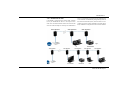
The following section contains exact instructions of encryption on the basis of possible network scenarios:
Adapters cannot be configured
while in Standby mode.
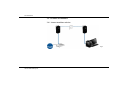
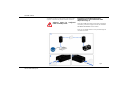
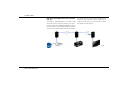
Encrypting a new dLAN network with a
dLAN 500 AVpro+ and an additional dLAN
AVpro device (Fig. 8)
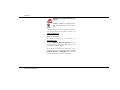
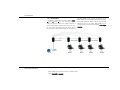
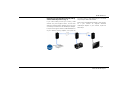
Once both dLAN AVpro devices have been successfully
connected, press each encryption button for >one second within two minutes of one another.
That's it! Your dLAN network is now protected against
unauthorised access.
Fig. 8
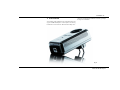
devolo dLAN 500 AVpro+