1
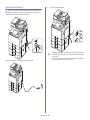
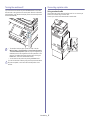
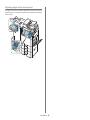
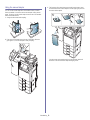
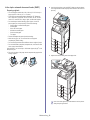
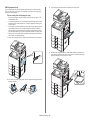
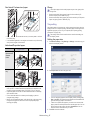
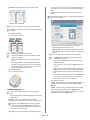
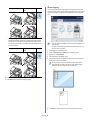
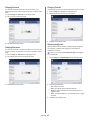
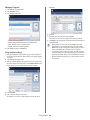
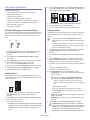
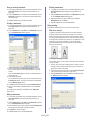
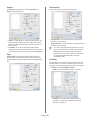
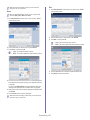
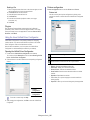
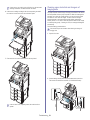
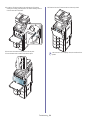
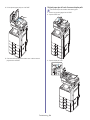
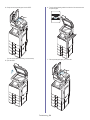
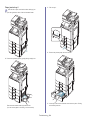
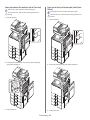
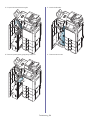
3. Squeeze the paper width guide, and pull it to the end of the tray.
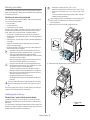
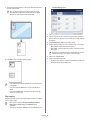
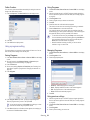
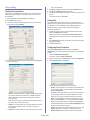
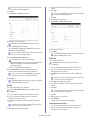
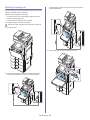
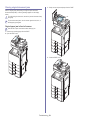
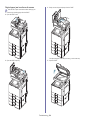
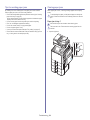
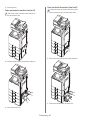
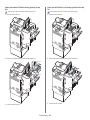
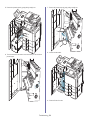
6. Adjust the paper length guide to the desired paper length.
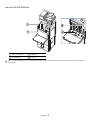
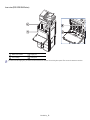
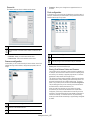
1 Paper width guide
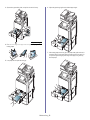
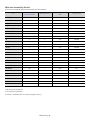
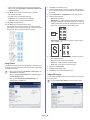
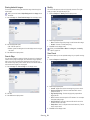
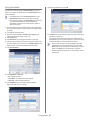
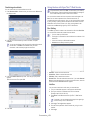
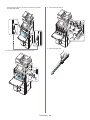
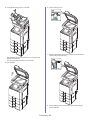
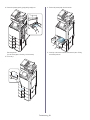
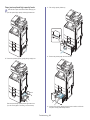
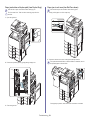
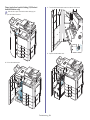
4. Flex and fan the edge of the paper stack to separate the pages before
loading papers.
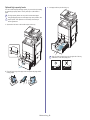
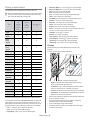
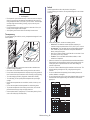
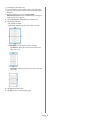
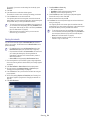
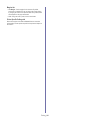
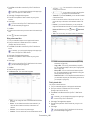
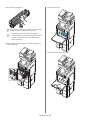
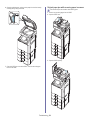
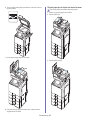
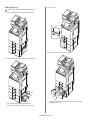
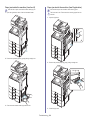
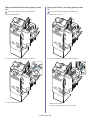
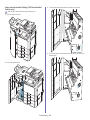
7. After loading paper into the tray, pinch the paper width guide and move it
toward the stack of paper until it lightly touches the side of the stack. Do
not press the guide too tightly to the edge of the paper, the guide may
bend the paper.
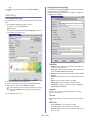
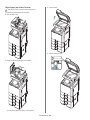
5. Load paper with the print side facing up.
Media and tray_ 38