1
7
7.7
Setup and Reset
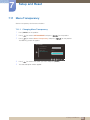
On Timer Source
Specify the default input source desired when the product turns on.
On Timer Source is enabled only when the On Timer is on.
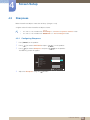
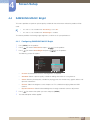
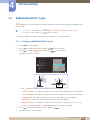
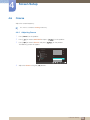
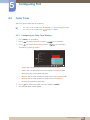
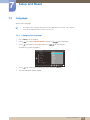
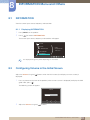
7.7.1 Configuring On Timer Source
1
2
3
Press [ MENU ] on the product.
Press [
] to move to SETUP&RESET and press [
Press [
] to move to On Timer Source and press [
] on the product.
] on the product.
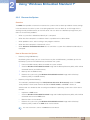
The following screen will appear.
SETUP&RESET
Reset
Language
: English
Eco Saving
: Off
Clock
: 01:00
Off Timer
: Off
On Timer
: 12:00
Analog
: Client
On Timer Source
AUTO
4
5
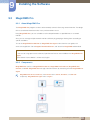
Press [
] to move to the option you want and press [ MENU ].
The selected option will be applied.
7 Setup and Reset
76