1
Preparation
Attaching the Lens Hood
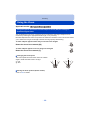
In bright sunlight or backlight, the lens hood will minimize lens flare and ghosting. The lens
hood cuts off excess lighting and improves the picture quality and should therefore remain
mounted for most photographing situations (exemptions: see below).
• Check that the camera is turned off.
• Close the flash.
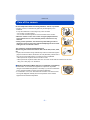
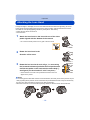
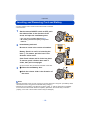
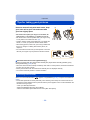
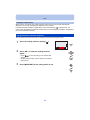
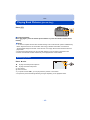
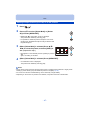
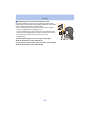
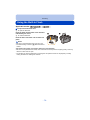
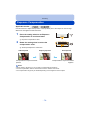
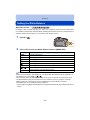
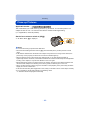
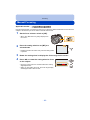
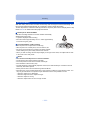
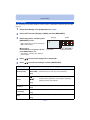
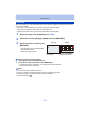
1
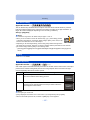
Attach the lens hood on the lens with one of the short
petals aligned with the bottom of the camera.
• Do not exert excess pressure to any part of the lens hood.
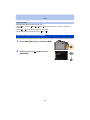
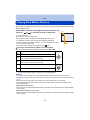
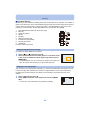
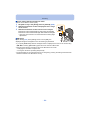
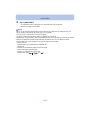
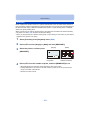
2
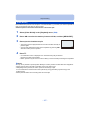
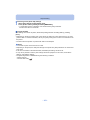
3
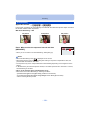
Rotate the lens hood in the
direction of the arrow.
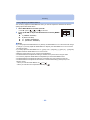
Rotate the lens hood as far as it will go, i.e. overcoming
the increased resistance just before the final position and
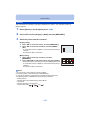
until the two marks on the hood and the camera body A
are aligned. (The lens hood will “click” into place.)
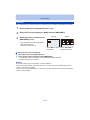
• Check that the lens hood is firmly attached and that it does not
appear in the picture.
A
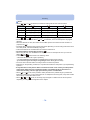
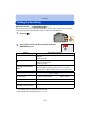
Notes
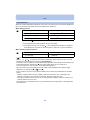
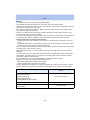
• When taking pictures with flash and the lens hood attached, the lower portion of the pictures may be
dark (vignetting effect) and the control of the flash may be disabled because it may be obscured by
the lens hood. We recommend to remove it for flash photography.
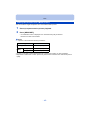
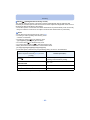
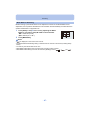
• When the lens hood is to be removed temporarily, attach it to the lens in the reverse direction.
- 14 -