1
VIVOTEK
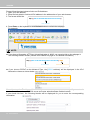
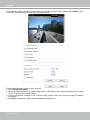
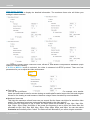
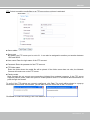
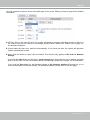
to correct the image orientation. Please note that the preset locations will be cleared after flip/mirror.
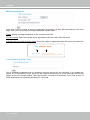
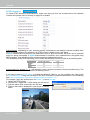
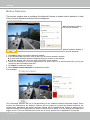
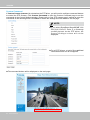
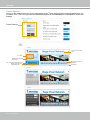
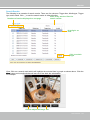
Overlay title and time stamp on video: Select this option to place the video title and time on the video
streams.
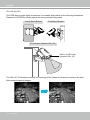
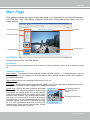
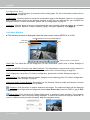
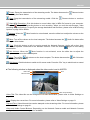
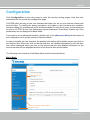
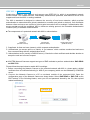
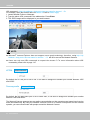
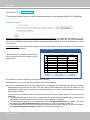
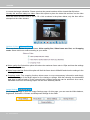
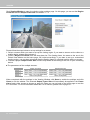
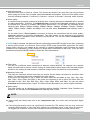
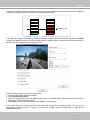
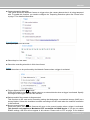
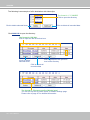
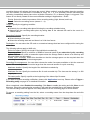
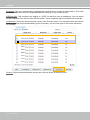
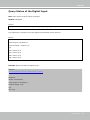
Note that when the frame size is set to 176 x 144 as shown in the picture below, only the time will be
stamped on the video streams.
17:08:56 2008/06/25
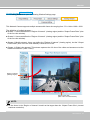
Options of Video Advanced Mode
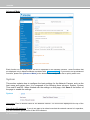
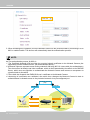
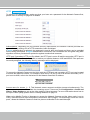
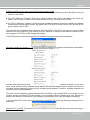
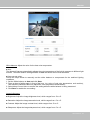
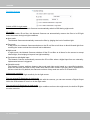
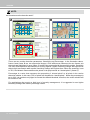
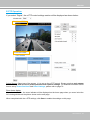
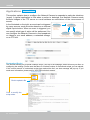
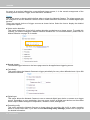
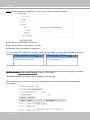
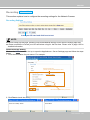
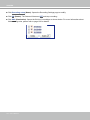
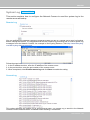
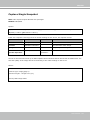
There are three options for you to choose: Video quality first, Video frame rate first, and Cropping
mode. Select either one mode according to your needs.
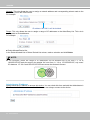
■ Video quality first: Select this option will reduce the maximum frame rate to 15fps and clear the settings
in the Viewing Window.
■ Video frame rate first: Select this option will limit the frame size to 800x600 and clear the settings in the
Viewing Window.
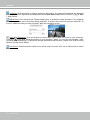
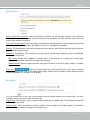
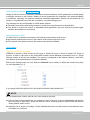
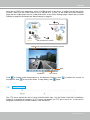
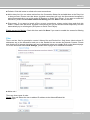
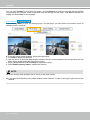
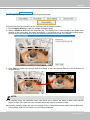
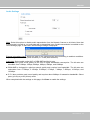
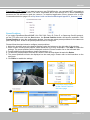
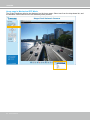
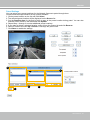
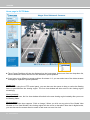
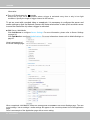
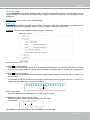
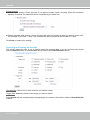
■ Cropping mode: The cropping function allows users to crop unnecessary information and simply
transmit the image of the target region for live viewing or storage. With the trimming, the transmitted
data size is reduced and so is the network load. A higher frame rate can be achieved. As a result,
bandwidth resources and storage space can be more efficiently utilized.
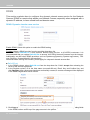
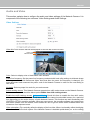
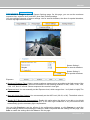
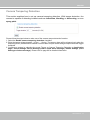
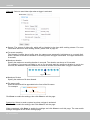
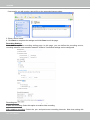
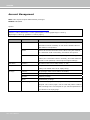
Image Settings Advanced Mode
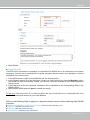
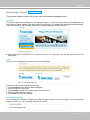
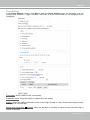
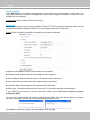
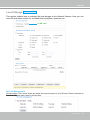
Click Image Settings to open the Image Settings page. On this page, you can tune the White balance,
Brightness, Saturation, Contrast, and Sharpness settings for the video.
62 - User's Manual