1
Section 3 - Configuration
Log
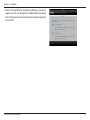
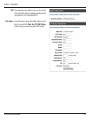
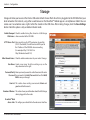
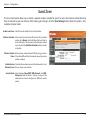
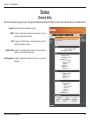
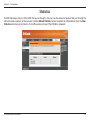
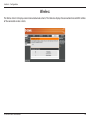
The DIR-506L keeps a running log of events and activities. If the DIR-506L is rebooted, the logs are automatically cleared.
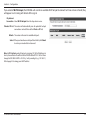
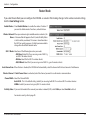
Log Options: There are several types of logs that can be viewed: System
Activity, Debug Information, Attacks, Dropped Packets
and Notice.
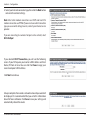
Previous: Directs you to the previous page of the log.
Next: Directs you to the next page of the log.
First Page: Directs you to the first page of the log.
Last Page: Directs you to the last page of the log.
Refresh: Refreshes the log.
Download: This button opens dialog where you can save the current
log to your hard drive.
Clear logs: Clears all current log content.
D-Link DIR-506L User Manual
68