1
50 Network configuration
5.5.2 Guest account
Security
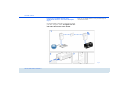
If you have friends or acquaintances visiting and you
want to provide them with Internet access but without
giving away the password for your WLAN, you can set
up a separate guest account in addition to the main Internet connection. The guest account can have its own
SSID, time limit and WLAN password. This way your
visitors can surf the Internet without having access to
your local network.
You should also encrypt the guest account to prevent
anyone in signal range from intruding into your home
network and sharing your Internet connection. WPA
and WPA2 (Wi-Fi Protected Access) security standards are available for this.
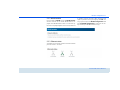
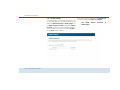
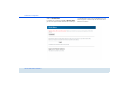
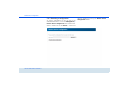
To set up a guest account, enable the Activate guest
account option. You can also enable or disable the
guest account in dLAN Cockpit App using the Activate guest account button.
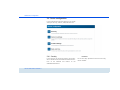
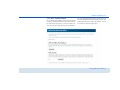
Define the name of the guest network in the SSID field.
Automatic shutoff
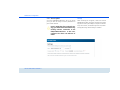
If you would like to set a time limit for the guest account, enable the option Automatically shut off
guest account after ... and enter the desired time
limit.
Note that the guest account depends
on the dLAN 500 AV Wireless+ and can
only be active just as long.
devolo dLAN 500 AV Wireless+
WPA and WPA2 (Wi-Fi Protected Access) methods
allow individualised keys consisting of letters and
numbers with a length of up to 63 characters. You
can simply enter this using the keyboard, without having to convert it into hexadecimal format first (as with
WEP). Under Mode, you can limit access to the
dLAN 500 AV Wireless+ to the method you have selected.