1
Using the Software
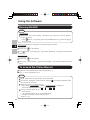
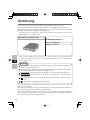
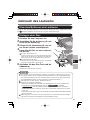
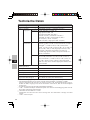
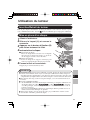
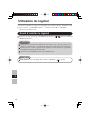
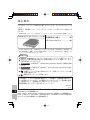
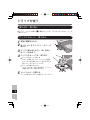
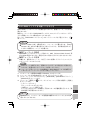
Running Roxio Creator JLB
Windows 7
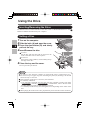
Click
(Start) - [All Programs] - [Roxio] - [Roxio Creator LJB].
Windows XP
Click [start] - [All Programs] - [Roxio] - [Roxio Creator LJB].
How to access the Online Manual
E
After running Roxio Creator LJB, you can access the online manual.
Click [Help] from the menu, and then click [Help].
Cautions on Use
When using “Roxio Creator LJB,” set the display resolution to 1024 × 768 or more.
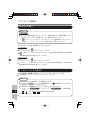
Windows XP
After erasing the data in the disc following the order of [Disc and Device Utility] - [Erase/
Format...] - [Quick Erase/Format] - [Start], remove the disc once before reuse.
Information
If “Roxio Creator LJB” does not operate properly, we recommend carefully reading the
online help file first for problems with the operating environment or operations.
Then install the latest Windows Service Pack.
If you still cannot troubleshoot the problem, contact Panasonic Technical Support.
For further information, refer to the following URL.
http://www.roxio.com/enu
18