1
Using SyncThru™ Web Service
•
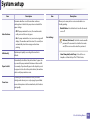
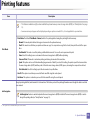
Usage Counters: Shows the usage count by print types: simplex and
duplex.
Maintenance tab
•
Current Settings: Shows the machine’s and network’s information.
•
Print information: Prints reports such as system related reports, e-mail
address, and font reports.
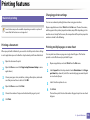
This tab allows you to maintain your machine by upgrading firmware and
setting contact information for sending emails. You can also connect to
Samsung website or download drivers by selecting the Link menu.
Settings tab
•
Firmware Upgrade: Upgrade your machine’s firmware.
•
Contact Information: Shows the contact information.
•
Link: Shows links to useful sites where you can download or check
information.
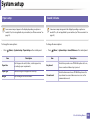
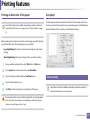
This tab allows you to set configurations provided by your machine and
network. You need to log-in as an administrator to view this tab.
3
•
Machine Settings tab: Sets options provided by your machine.
•
Network Settings tab: Shows options for the network environment. Sets
options such as TCP/IP and network protocols.
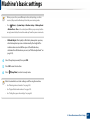
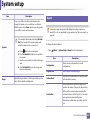
Setting the system administrator’s information
This setting is necessary for using the e-mail notification option.
Security tab
Some menus may not appear in the display depending on options or
models. If so, it is not applicable to your machine.
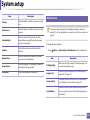
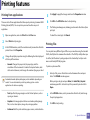
This tab allows you to set system and network security information. You need to
log-in as an administrator to view this tab.
•
System Security: Sets the system administrator’s information and also
enables or disables machine features.
•
Network Security: Sets settings for IPv4/IPv6 filtering, and Authentication
servers.
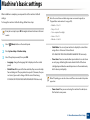
1
Start a web browser, such as Internet Explorer, from Windows.
Enter the machine IP address (http://xxx.xxx.xxx.xxx) in the address field
and press the Enter key or click Go.
2
Your machine’s embedded website opens.
5. Useful Management Tools
203