1
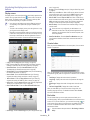
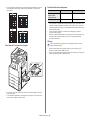
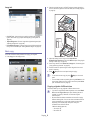
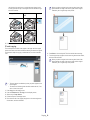
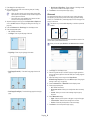
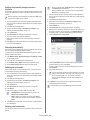
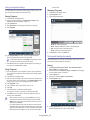
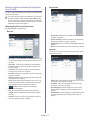
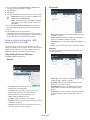
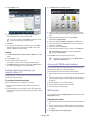
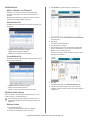
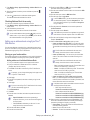
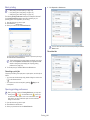
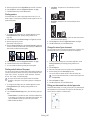
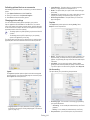
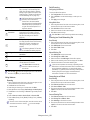
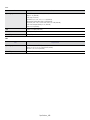
You can see the values of set Programs by scrolling up or down
and check the values using the up/down arrows.
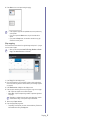
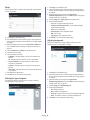
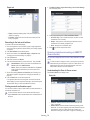
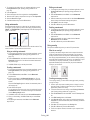
7. Press Save.
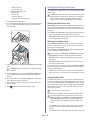
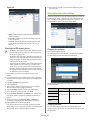
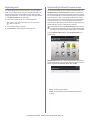
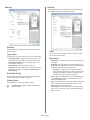
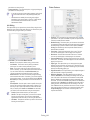
8. You can check the all settings again. If everything is fine, press Add to
home to make shortcut in main screen, Save to save current settings or
cancel to quit without saving.
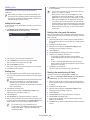
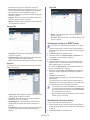
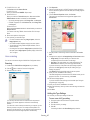
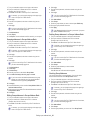
Loading
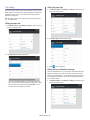
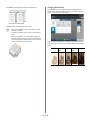
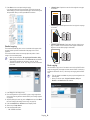
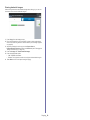
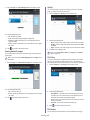
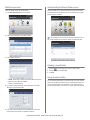
1. Press Scan to Email, Scan to Server or Scan to USB from the display
screen.
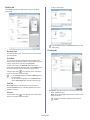
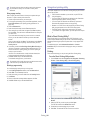
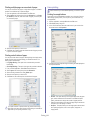
2. Press Programs > Load.
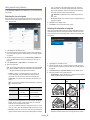
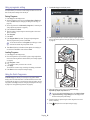
3. Press the previous setting you want to use.
The machine is now set to scan according to the setting you selected.
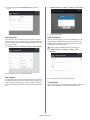
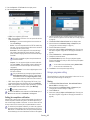
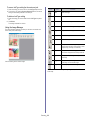
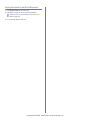
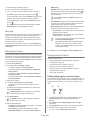
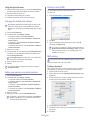
4. Press Add to home to make a shortcut in main screen, Delete to delete
the current setting or Apply to use the selected setting.
Faxing (optional)_ 75