1
Safety Instructions
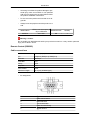
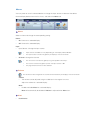
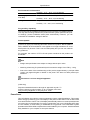
Notational
Note
These safety instructions must be followed to ensure your safety and prevent property damage.
Make sure to read the instructions carefully and use the product in the correct manner.
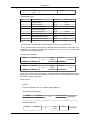
Warning / Caution
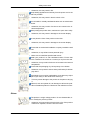
Failure to follow directions noted by this symbol could result in bodily
harm or damage to the equipment.
Note
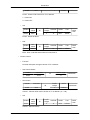
Prohibited
Important to read and understand at all times
Do not disassemble
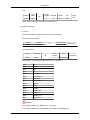
Disconnect the plug from the
outlet
Do not touch
Ground to prevent an electric
shock
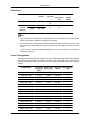
An administration fee may be charged if either
•
(a) an engineer is called out at your request and there is no defect in the
product
(i.e. where you have failed to read this user manual).
•
(b) you bring the unit to a repair centre and there is no defect in the product
(i.e. where you have failed to read this user manual).
The amount of such administration charge will be advised to you before any
work or home visit is carried out.
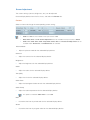
Cleaning the Monitor
Cleaning
The panel and exterior of the cutting-edge monitor scratch easily and require careful attention.
Clean the monitor according to the following steps.
•
Power off the monitor and PC.
•
Disconnect the power cable from the monitor.
Note
To avoid electric shock, be sure you disconnect the cable by gripping the plug and do not touch the cable with wet hands.