1
VIVOTEK
Privacy mask Advanced Mode
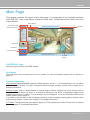
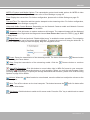
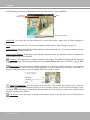
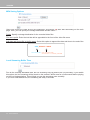
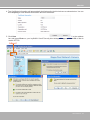
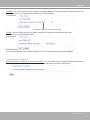
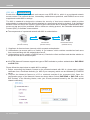
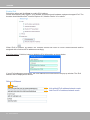
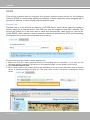
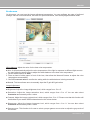
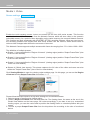
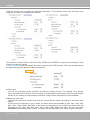
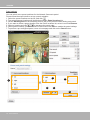
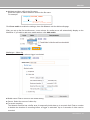
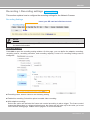
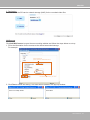
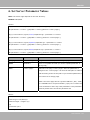
Click Privacy Mask to open the settings page. On this page, you can block out certain sensitive zones to
address privacy concerns.
1
2
2
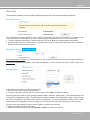
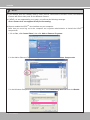
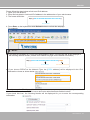
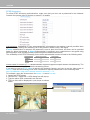
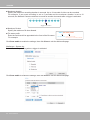
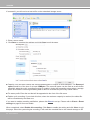
■ To set the privacy mask windows, follow the steps below:
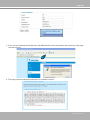
1. Click New to add a new window.
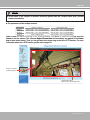
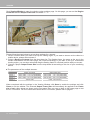
2. Use the mouse to size and drag-drop the window, which is recommended to be at least twice the size
of the object (height and width) you want to cover.
3. Enter a Window Name and click Save to enable the setting.
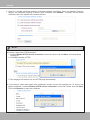
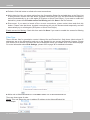
4. Check Enable privacy mask to enable this function.
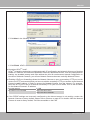
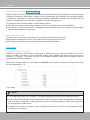
NOTE:
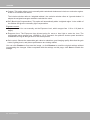
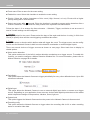
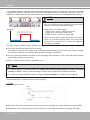
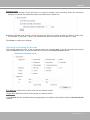
► Up to 5 privacy mask windows can be configured on the same screen.
► If you want to delete a configured mask window, click on the ‘X’ button at the upper right corner of the
window.
User's Manual - 69