1
VIVOTEK
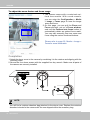
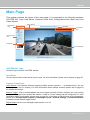
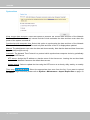
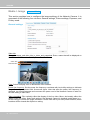
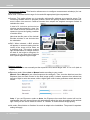
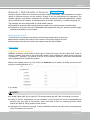
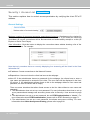
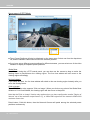
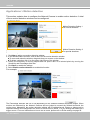
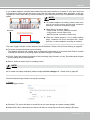
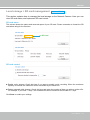
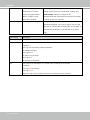
Audio is being transmitted to the Network Camera
2011/06/09 17:08:56
Mute
Talk Button
Mic Volume
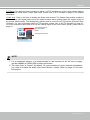
Click
to enable audio transmission to the Network Camera; click
to adjust the volume of
microphone; click
to turn off the audio. To stop talking, click
again.
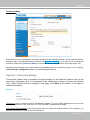
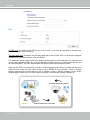
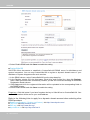
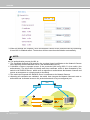
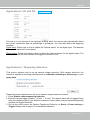
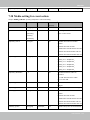
FTP port: The FTP server allows the user to save recorded video clips. You can utilize VIVOTEK's
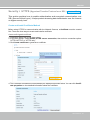
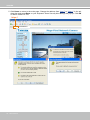
Installation Wizard 2 to upgrade the firmware via FTP server. By default, the FTP port is set to 21.
It also can be assigned to another port number between 1025 and 65535.
User's Manual - 69