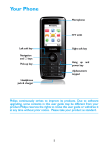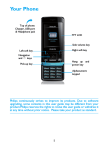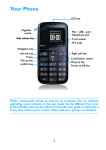
1
Home screen
Keys
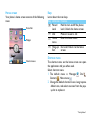
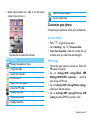
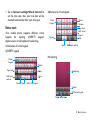
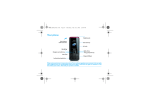
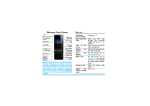
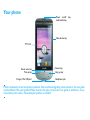
Your phone’s home screen consists of the following
areas:
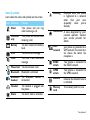
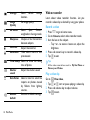
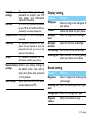
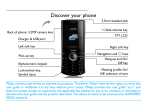
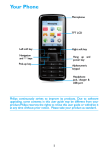
Learn about the main keys.
Key Definition Function
P Power/ Hold to turn on/off the phone;
Lock
Lock/Unlock the home screen.
Make or answer a call.
C Dial
Enter the home menu.
O Home
menu
S Hang-up/ End a call; Return to the home
Exit
screen.
Status Bar
Widget
Shortcut menu
Shortcut icons
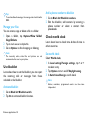
The shortcut icons on the home screen can open
the applications tab you often used.
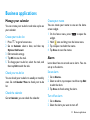
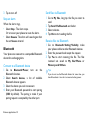
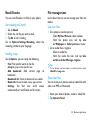
Select shortcut menu:
1 The default menu is: Messages , Dial ,
Contacts , Home menu .
2 Change the default shortcut menu: Long tap one
default icon, and select one icon from the popup list to replace it.
Your phone 1