1
■■ Music
Playing Music
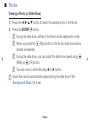
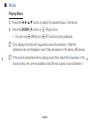
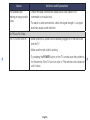
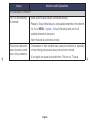
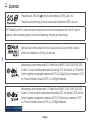
1. Press the ◄/►/▲/▼ button to select the desired Music in the file list.
2. Press the ENTERE button or � (Play) button.
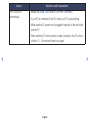
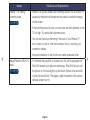
–– You can use � (REW) and µ (FF) buttons during playback.
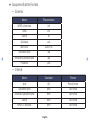
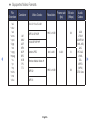
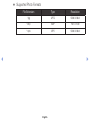
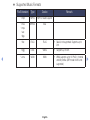
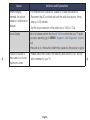
NN Only displays the files with supported music file extension. Other file
extensions are not displayed, even if they are saved on the same USB device.
◀
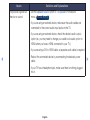
NN If the sound is abnormal when playing music files, adjust the Equaliser in the ▶
Sound menu. (An over-modulated music file may cause a sound problem.)
English