1
Playing the media contents saved on the devices
1. Connect the mobile phone or other devices which support AllShare™
function, and then play the media contents of each device. The popup screen
appears on the bottom of your TV.
2. Select the Allow to accept the connected devices. The media contents of the
devices can be playing on your TV.
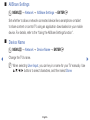
NN You can find the allowed devices on the AllShare Settings.
◀
▶
English