1
GB
3.7.2 Copy under File Manager
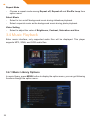
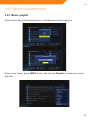
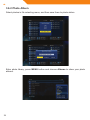
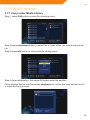
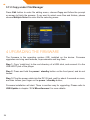
Press Edit button to enter file editing menu, choose Copy and follow the prompt
on screen to finish the process. If you want to select more files and folders, please
choose Multiple Select to enter the file selecting menu.
4 Upgrading the Firmware
The firmware is the operating system (OS) installed on the device. Firmware
upgrades can bring new features, improvements and bug fixes.
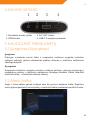
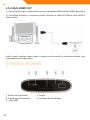
Step 1, Copy ‘install.img’ to the root directory of a USB stick, and connect it to the
USB HOST port of the player.
Step 2, Press and hold the power / standby button on the front panel, and do not
loosen.
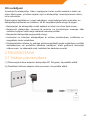
Step 3, Plug the power cable into the DC IN jack, wait for about 5 seconds or more,
and then loosen your finger on the power / standby button;
Firmware installation will start. There is another way for upgrading. Please refer to
USB Update in chapter ‘3.1.4 Miscellaneous’ for more details.
26