1
GB
Electronic Programming Guide
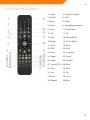
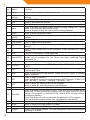
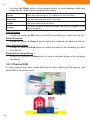
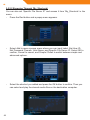
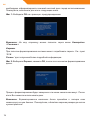
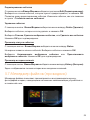
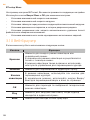
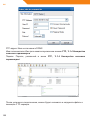
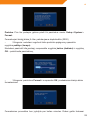
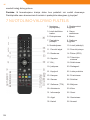
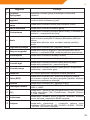
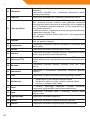
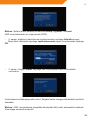
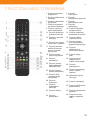
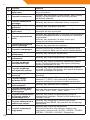
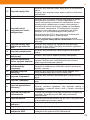
- Press the EPG button when watching DVB-T TV programs, the Electronic
Programming Guide will be displayed. Here you can get the program list for a
whole day.
Teletext
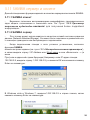
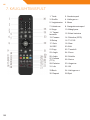
- If the broadcasted stream supports Teletext, press the TTX button to enter the
Teletext menu.
Subtitle List
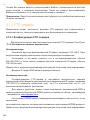
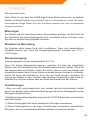
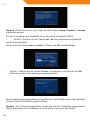
- Press the subtitle button when watching DVB-T TV programs, the Subtitle List
menu will be displayed.
One Touch Recording
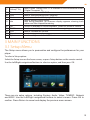
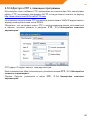
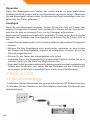
- Press REC button to start the recording, recording files are automatically stored
in a folder named REC by default. Press REC repeatedly to set one touch
recording length ,30 MIN. / 60 MIN. / 90 MIN. / 120 MIN. / 180 MIN. / 240 MIN.
/ Off.
Time Shifting
- Time shift function allows you to pause live TV and resume the program from the
point you left it. While paused, the program is recorded to the internal HDD as
long as there is sufficient memory. Press the TIME SHIFT button to active time
shift function.
32