1
Taking pictures/videos
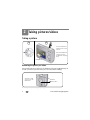
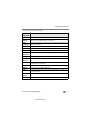
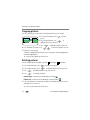
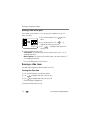
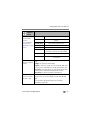
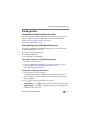
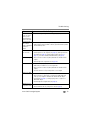
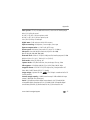
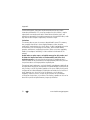
Using different picture-taking modes
Choose the mode that best suits
your subjects and surroundings.
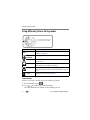
Use this mode
SCN
For
Scene
Point-and-shoot simplicity when taking pictures under special
conditions. (See page 8.)
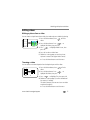
Blur
Reduction
Minimizing the effects of camera shake and subject movement.
Auto
General picture taking—offers an excellent balance of image quality
and ease of use.
Landscape
Far-away scenes. The camera uses infinity auto-focus. Auto-focus
framing marks are not available in Landscape.
Close-up
Close range. Use available light instead of flash if possible. The
camera automatically sets the focus distance depending on the zoom
position.
Video
Capturing video with sound. (See page 5.)
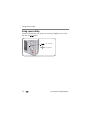
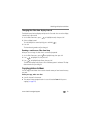
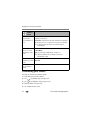
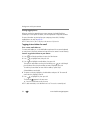
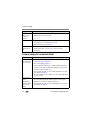
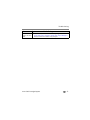
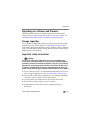
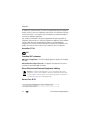
Scene modes
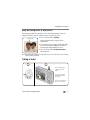
Choose a Scene mode—for great pictures in practically any situation!
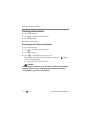
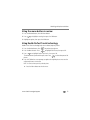
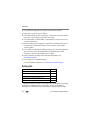
1 Turn the Mode dial to Scene
.
2 Press
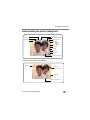
to display Scene mode descriptions.
If the mode description turns off before you finish reading it, press OK.
8
www.kodak.com/go/support