1
BIOS Setup
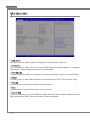
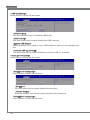
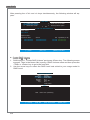
Mflash
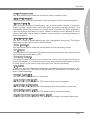
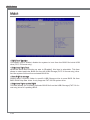
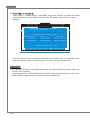
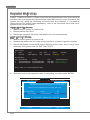
▶ BIOS Boot Function
This allows you to enable/ disable the system to boot from the BIOS file inside USB
drive (FAT/ 32 format only).
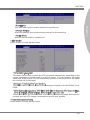
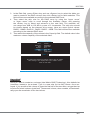
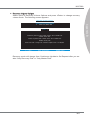
▶ Select one file to Boot
When the BIOS Boot function as sets to [Enabled], this item is selectable. This item
allows to select particular BIOS file from the USB/ Storage (FAT/ 32 format only) drive.
And the system will boot from selected BIOS file.
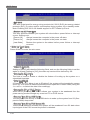
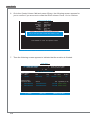
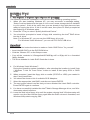
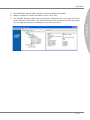
▶ Save BIOS to storage
Please setup a specific folder in specific USB/ Storage drive to save BIOS file from
BIOS ROM chip data. Note: it only supports FAT/ 32 file system drive.
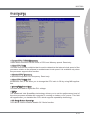
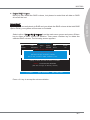
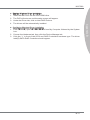
▶ Select one file to update BIOS
This item allows you to select particular BIOS file from the USB/ Storage (FAT/ 32 format only) drive for updating BIOS.
3-16