1
TL-WR702N
6.8
150Mbps Wireless N Nano Router
System Tools
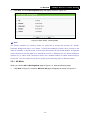
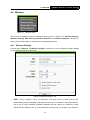
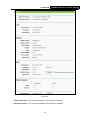
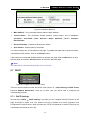
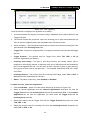
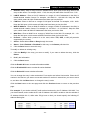
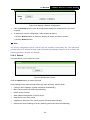
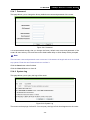
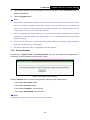
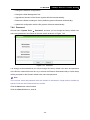
Figure 6-14 The System Tools menu
Choose menu “System Tools”, and then you can see the submenus under the main menu:
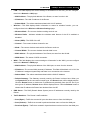
Diagnostic, Firmware, Factory Defaults, Backup & Restore, Reboot, Password, and System
Log. Click any of them, and you will be able to configure the corresponding function. The detailed
explanations for each submenu are provided below.
6.8.1 Diagnostic
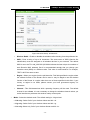
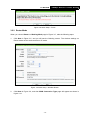
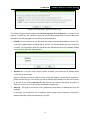
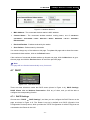
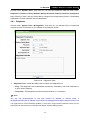
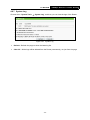
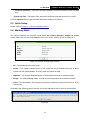
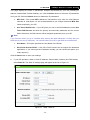
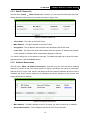
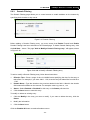
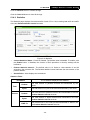
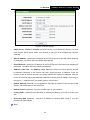
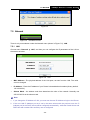
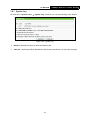
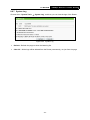
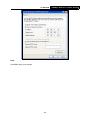
Choose menu “System Tools → Diagnostic”, and then you can transact Ping or Traceroute
function to check connectivity of your network in the following screen.
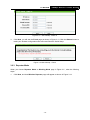
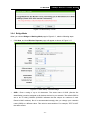
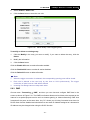
Figure 6-15
Diagnostic Tools
- 116 -