1
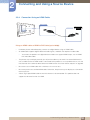
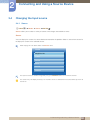
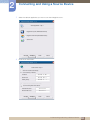
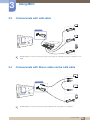
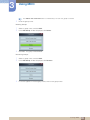
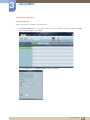
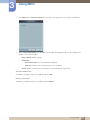
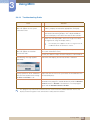
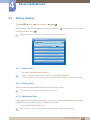
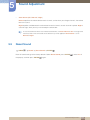
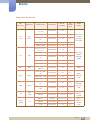
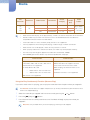
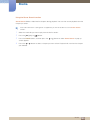
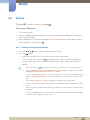
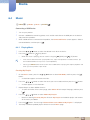
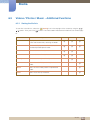
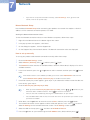
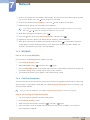
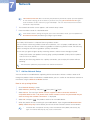
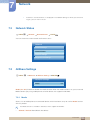
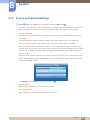
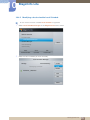
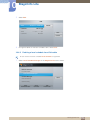
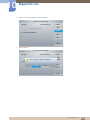
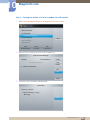
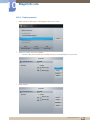
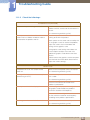
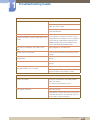
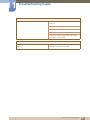
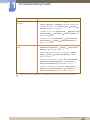
8 System Listening through a Receiver You can listen to sound through a receiver (i.e Home Theater) instead of the Internal Speaker. 1 2 Select Receiver and set to On. Press the EXIT button to exit. If your receiver supports audio only, it may not appear in the device list. When the receiver (i.e Home Theater) is set to On, you can hear sound output from the product Optical jack. When the source is a digital component such as a DVD player and it is connected to the product via HDMI, you will hear only 2 channel sound from the receiver. Troubleshooting for Anynet+ Problem Anynet+ does not work. Possible Solution Check if the device is an Anynet+ device. The Anynet+ system supports Anynet+ devices only. You can connect only one receiver (home theater). Check if the Anynet+ device power cord is properly connected. Check the Anynet+ device’s Video/Audio/HDMI cable connections. Check whether Anynet+ (HDMI-CEC) is set to On in the Anynet+setup menu. Check whether the remote control is Anynet+ compatible. If you have removed and then reconnected the HDMI cable, please make sure to search devices again or turn your product off and on again. I want to start Anynet+. Check if the Anynet+ function of the Anynet device is set on. Check if the Anynet+ device is properly connected to the product and check if the Anynet+ (HDMI-CEC) is set to On in the Anynet+ Setup menu. Press the TOOLS button to display the Anynet+ menu and select a menu you want. I want to exit Anynet+. Select View PC in the Anynet+ menu. Press the SOURCE button on the product remote control and select a non- Anynet+ device. The message “Connecting to Anynet+ device...” appears on the screen. You cannot use the remote control when you are configuring Anynet+ or switching to a view mode. Use the remote control after the product has completed Anynet+ configuration or has finished switching to Anynet+. 8 System 159