1
Connections
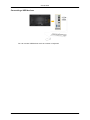
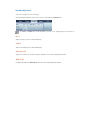
Connecting to an Audio System
1.
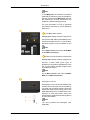
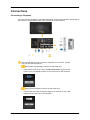
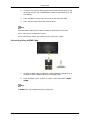
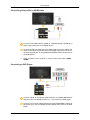
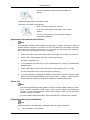
Connect a set of audio cables between the AUX L, R jacks on the AUDIO
SYSTEM and [AUDIO OUT] on LCD Display.
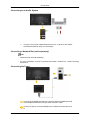
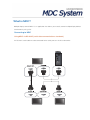
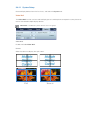
Connecting a Network Box (sold separately)
Note
•
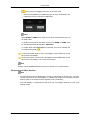
Network boxes are sold separately.
•
For more information on how to purchase and install a network box, contact Samsung
Electronics.
Connecting the Power
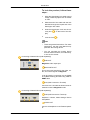
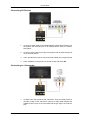
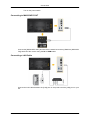
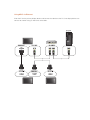
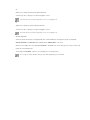
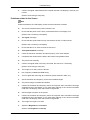
Connect the [POWER] terminal of the product and the [POWER] terminal
of the installed network box using a power extension cable.
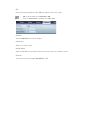
Connect the power cord to [POWER] on the network box and mains socket.