1
Adjusting the LCD Display
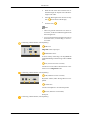
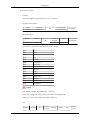
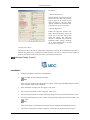
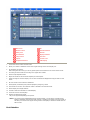
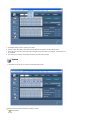
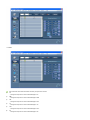
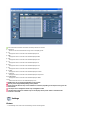
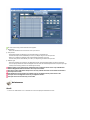
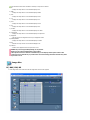
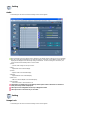
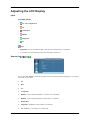
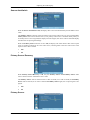
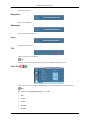
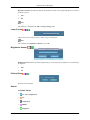
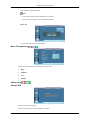
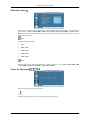
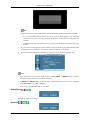
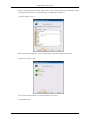
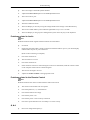
OSD Rotation
OSD Rotate
1.
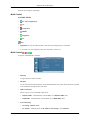
Landscape
2.
Portrait
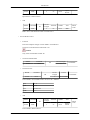
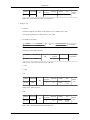
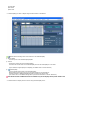
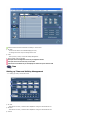
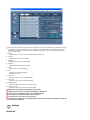
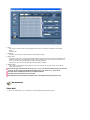
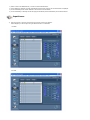
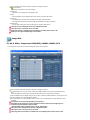
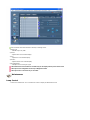
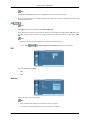
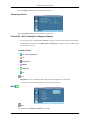
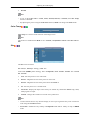
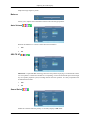
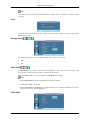
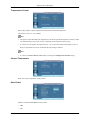
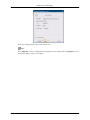
Advanced Settings
Configures the settings more elaborately.
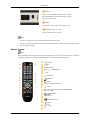
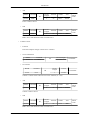
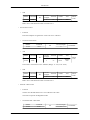
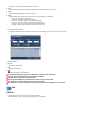
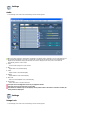
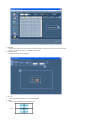
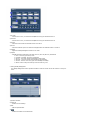
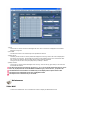
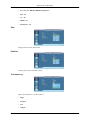
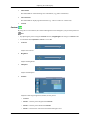
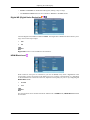
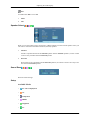
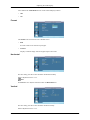
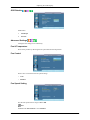
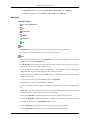
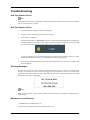
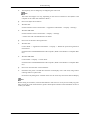
Fan & Temperature
Protects the product by detecting the fan speed and internal temperature.
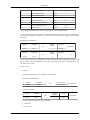
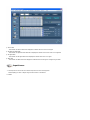
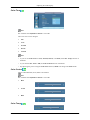
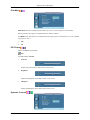
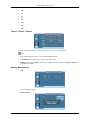
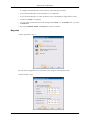
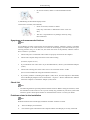
Fan Control
Selects auto or manual for the fan speed settings.
•
Auto
•
Manual
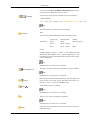
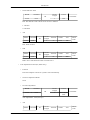
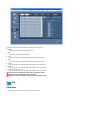
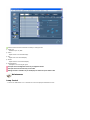
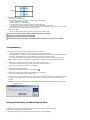
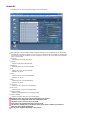
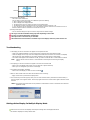
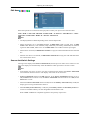
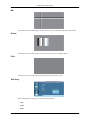
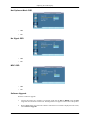
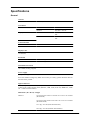
Fan Speed Setting
Sets the fan speed within a range of 0 and 100.
Note
Enabled when Fan Control is set to Manual.