1
8. REMOTE HOST PROGRAM
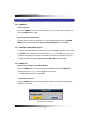
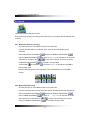
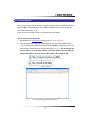
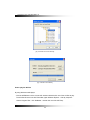
8-4.11.3. Usage of camera position
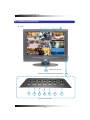
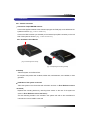
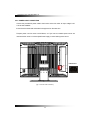
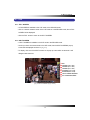
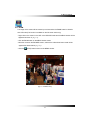
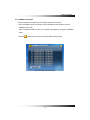
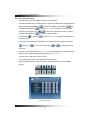
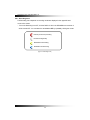
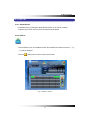
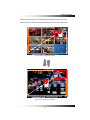
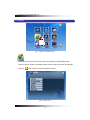
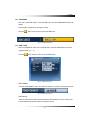
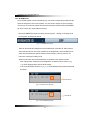
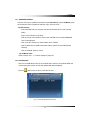
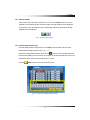
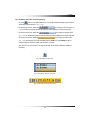
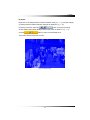
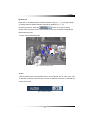
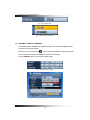
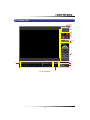
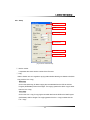
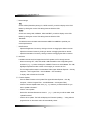
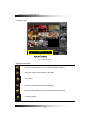
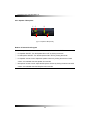
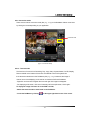
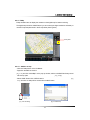
The small squares with channel numbers on the map indicate the camera position. The blue
screen represents that the corresponding camera is not connected to the DVR system.
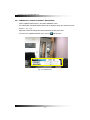
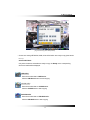
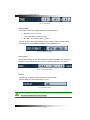
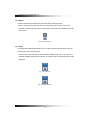
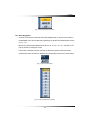
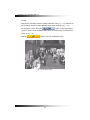
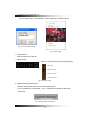
- Double-click the image to display a full screen.
- To change the camera position, click the image and drag the mouse and drop on the map.
- Double-click the channel number(s) to hide or show the image(s).
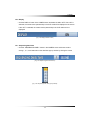
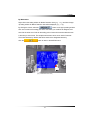
- Place the mouse pointer on the square line and minimize or maximize the image by using
sign.
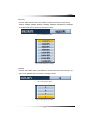
Double Click
Resize
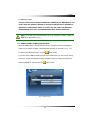
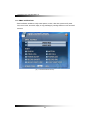
[Fig. 8-30 Usage of Camera Position]
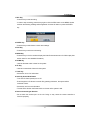
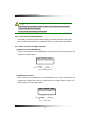
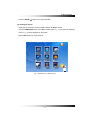
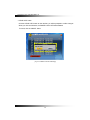
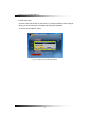
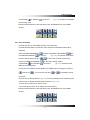
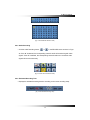
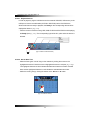
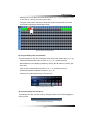
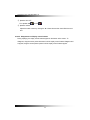
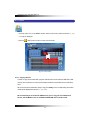
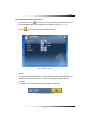
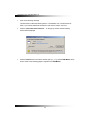
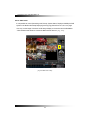
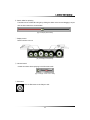
8-4.11.4. Deletion of Camera position icon
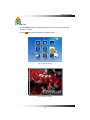
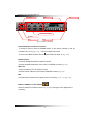
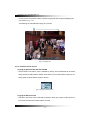
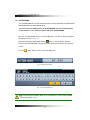
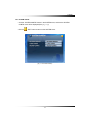
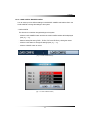
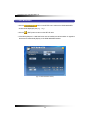
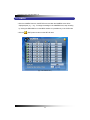
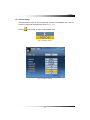
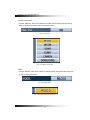
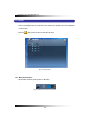
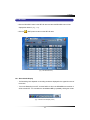
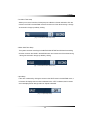
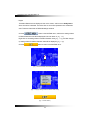
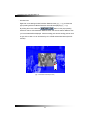
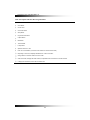
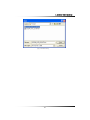
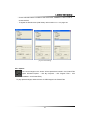
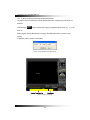
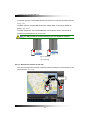
Click the image or channel number and drag the mouse and drop the mouse pointer outside of
the screen.
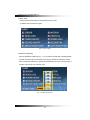
[Fig. 8-31 Deletion of Camera Position icon]
157