1
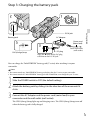
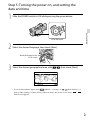
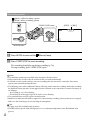
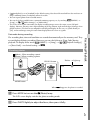
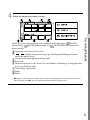
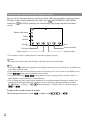
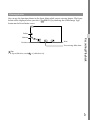
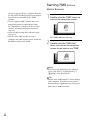
4 Set [Summer Time], then touch [Next]. If you set [Summer Time] to [On], the clock advances 1 hour. 5 Select the date format, then touch [Next]. 6 Select the date and time, touch . [Next] / to set the value, then touch The clock starts. Notes The date and time does not appear during recording, but they are automatically recorded on the memory (MENU) card, and can be displayed during playback. To display the date and time, touch ( Playback Settings)] [Data Code] [Date/Time] . [Setup] [ (MENU) [Setup] [ ( General You can turn off the operation beeps by touching . Settings)] [Beep] [Off] If the button you touch does not react correctly, calibrate the touch panel. GB 22