1
CHAPTER 3
INSTALLING DRIVERS AND SOFTWARE
This section explains how to install the drivers for the PT-6910 series.
The following topics are described.
•
•
•
•
•
•
Driver auto installation on the page 29
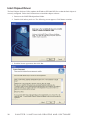
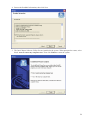
Intel Chipset Driver on the page 30
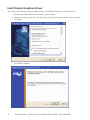
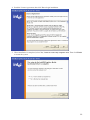
Intel Chipset Graphics Driver on the page 32
VIA Audio Driver on the page 34
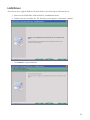
LAN Driver on the page 37
Touch Screen Driver on the page 39
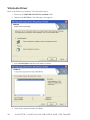
Driver auto installation
Use an external CD-ROM drive to install the drivers or copy the drivers to a USB flash drive and then plug to
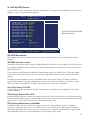
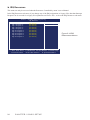
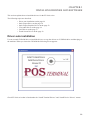
the machine. When you insert the CD ROM the following screen appears.
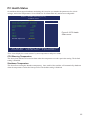
Check PT-6910 series that is listed under the “Install Terminal Drivers” and “Install Device Drivers” menus.
29