1
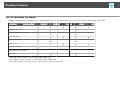
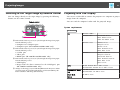
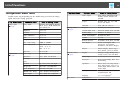
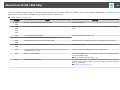
List of Functions
Submenu
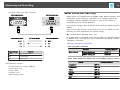
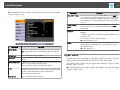
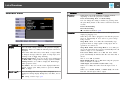
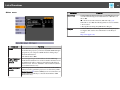
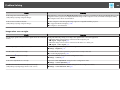
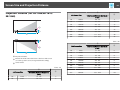
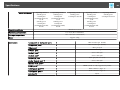
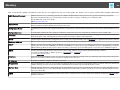
Pointer Shape
80
Function
You can select the shape of the pointer.
Submenu
Function
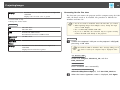
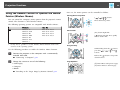
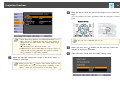
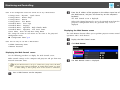
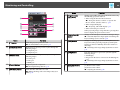
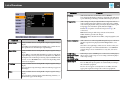
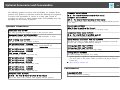
Pointer 2:
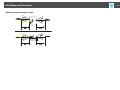
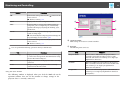
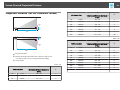
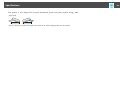
Pattern Display: Display a pattern.
Pattern Type: You can select from Patterns 1 to 4 or User
Pattern. Patterns 1 to 4 display projection lines such as ruled lines
or a grid.
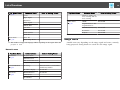
Pointer 3:
Pattern 1:
Pattern 2:
Pattern 3:
Pattern 4:
Pattern
Pointer 1:
s "Pointer Function (Pointer)" p.52
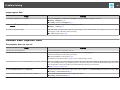
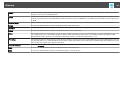
Power Consump‐
tion
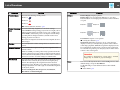
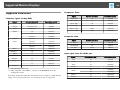
You can set the lamp brightness to one of two settings.
Select ECO if the images being projected are too bright, such as
when projecting images in a dark room or onto a small screen.
When ECO is selected, the power consumption and the lamp's
operating life are changed as follows, and fan rotation noise
during projection is reduced.
Electrical consumption: about 20% decrease, lamp life: about 1.3
times longer
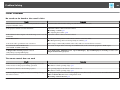
Volume
You can adjust the volume. Setting values are saved for each
source.
Remote Receiver
You can limit the reception of the operation signal from the
remote control.
When set to Off, you cannot perform any operations from the
remote control. If you want to make operations from the remote
control, hold down the [Menu] button on the remote control for
at least 15 seconds to reset the setting to its default value.
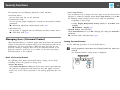
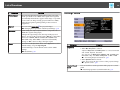
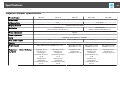
User Button
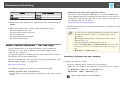
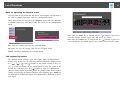
You can select and assign an item from the Configuration menu
with the remote control's [User] button. Pressing the [User]
button directly displays the assigned menu item selection/
adjustment screen, allowing you to make one-touch changes to
settings/adjustments. You can assign one of the following items
to the [User] button.
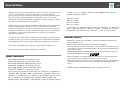
Power Consumption, Info, Progressive, Test Pattern,
Resolution, and Pattern Display
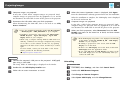
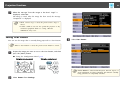
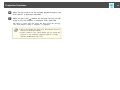
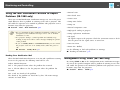
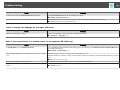
User Pattern: Captures a user pattern.
s "Saving User Pattern" p.57
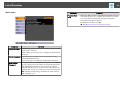
Test Pattern: When the projector is set up, a test pattern is
displayed so that you can adjust the projection status without
connecting equipment. While the test pattern is displayed, zoom,
focus adjustments, and keystone correction can be performed.
To cancel the test pattern, press the [Esc] button on the remote
control or the control panel.
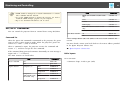
Attention
If a pattern is displayed for a long time, a residual
image may be visible in projected images.
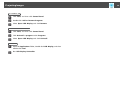
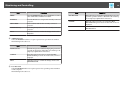
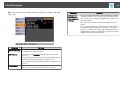
Reset
You can reset all adjustment values on the Settings menu to their
default settings, except for User Button.
See the following to return all menu items to their default
settings.
s "Reset Menu" p.89