1
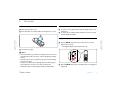
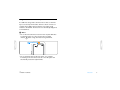
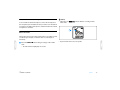
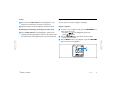
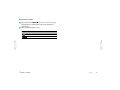
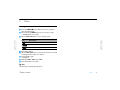
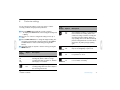
Record with an external microphone To record with an external microphone, connect the microphone to the microphone jack and follow the same procedure as for the built-in microphone. The built-in microphone is switched off when an external microphone is connected. D Notes • The index icon index marks. 1 indicates that the recording contains 1 Add index marks Index marks can be used to mark certain points in a recording as points of reference (for example, to mark the start of a new subject of discussion). • Up to 32 index marks can be set per file. 1 Press the INDEX / a button during recording to add an index mark. • The index number is displayed for one second. Table of contents Record 10