1
AXIS Q1604 Network Camera
Video and Audio
Video and Audio
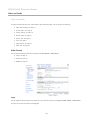
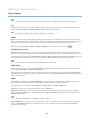
The video and audio settings can be used to optimize video and audio quality. You can configure the following:
•
Video stream settings. See page 17.
•
Stream profiles. See page 18.
•
Camera settings. See page 18.
•
Overlay image. See page 21.
•
Privacy mask. See page 21.
•
Focus. See page 21.
•
Audio settings. See page 22.
•
Audio clips. See page 23.
Video Stream
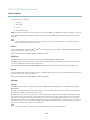
You can define the following video stream settings from Video & Audio > Video Stream:
•
Image. See page 17.
•
H.264. See page 18.
•
MJPEG. See page 18.
Image
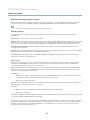
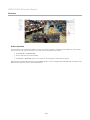
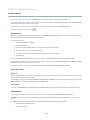
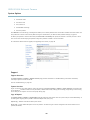
You can modify the image resolution and compression, and rotate the image from the Image tab (Video & Audio > Video Stream).
The image can also be mirrored from the Image tab.
17